
Chatty
FreeNot checkedProvides voice summaries after each AI request in Cursor, Cline, or any MCP-supported editor, allowing users to hear what was done and stay informed without sta

About
Provides voice summaries after each AI request in Cursor, Cline, or any MCP-supported editor, allowing users to hear what was done and stay informed without staring at the screen.
README
Oh, hello there! Meet Chatty MCP, your new best buddy who loves to chat out loud! After every request in Cursor, Cline, or any MCP-supported editor, it will speak up and summarize what was just done. Not only will you know when your long request has completed, but you can also use another sense to quickly understand what the editor produced, integrating deeply with your workflow for a better coding experience.
Check out our main website for documentation, demos, and configuration: https://chatty-mcp.vercel.app/
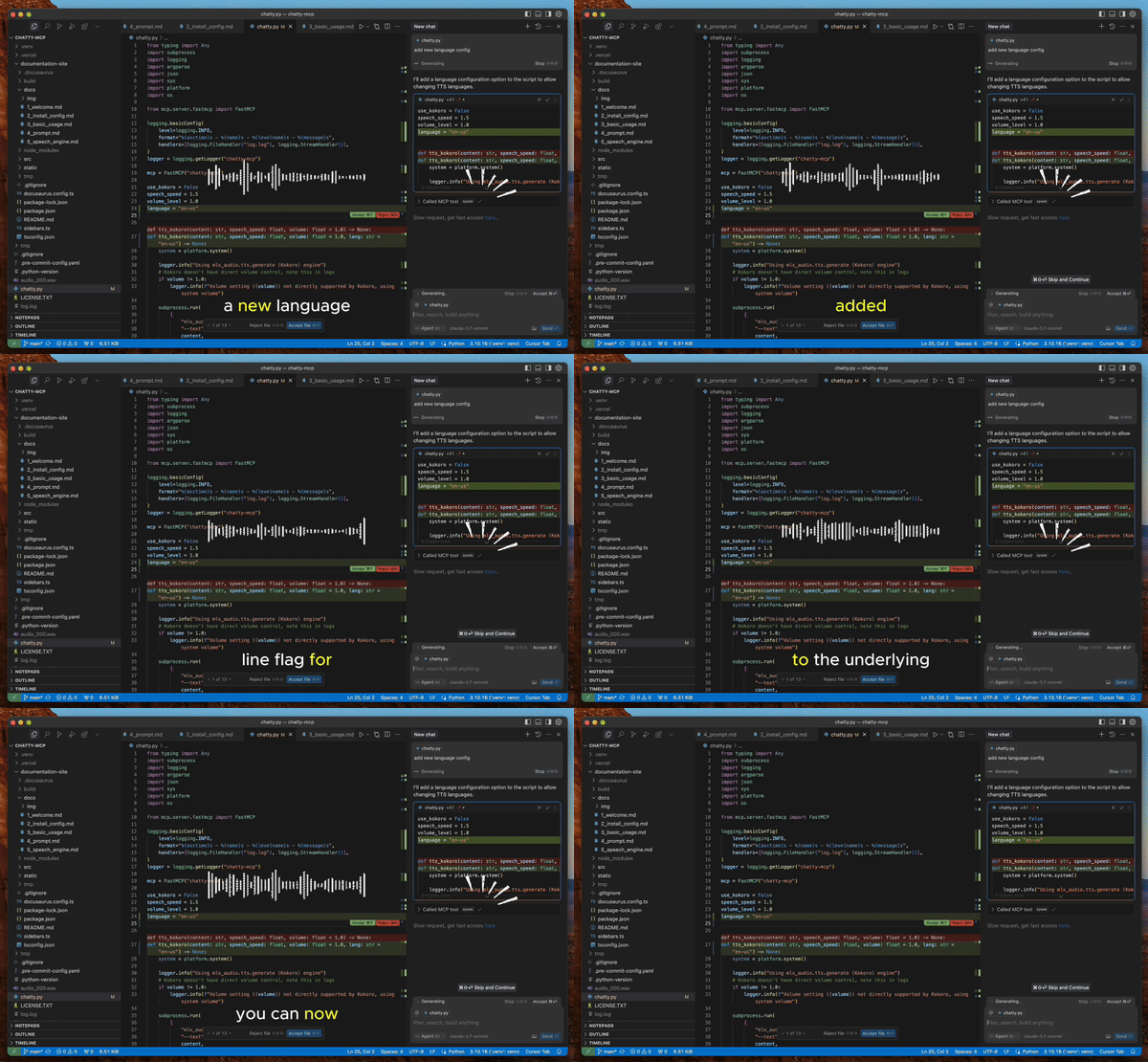
Why?
- Waiting for Cursor to complete your requests can be tedious - you're just staring at a black screen. With Chatty MCP, you can Alt+Tab to another window while Cursor is thinking, and return when you hear the voice announcement.
- You don't need to read everything produced by your AI - just listen to the summary and quickly decide if it's going in the right direction, then make adjustments as needed.
- Having your computer interact with you by voice is an interesting coding experience.
Additionally, this gives you the ability to customize the voice. Use your system's built-in TTS for convenience, Kokoro TTS for smooth and natural voice output, or even Fish TTS for anime-style voices in the future.
How to Get and Configure Chatty
I don't like extremely long READMEs as documentation, so visit our site for everything you need to know: https://chatty-mcp.vercel.app/docs/welcome
Note
For Kokoro ONNX model to work, you must download the Kokoro model and place it in the correct directory. Check the documentation's Speech Engine section for more information.
Made with 💖 by folks who believe every computer needs a voice!
Install Chatty in Claude Desktop, Claude Code & Cursor
unyly install chatty-mcpInstalls into Claude Desktop, Claude Code, Cursor & VS Code — handles npx, uvx and build-from-source repos for you.
First time? Get the CLI: curl -fsSL https://unyly.org/install | sh
Or configure manually
Run in your terminal:
claude mcp add chatty-mcp -- uvx --from git+https://github.com/stphtt/chatty-mcp chatty-mcpFAQ
Is Chatty MCP free?
Yes, Chatty MCP is free — one-click install via Unyly at no cost.
Does Chatty need an API key?
No, Chatty runs without API keys or environment variables.
Is Chatty hosted or self-hosted?
Self-hosted: the server runs locally on your machine via the install command above.
How do I install Chatty in Claude Desktop, Claude Code or Cursor?
Open Chatty on unyly.org, pick your client tab (Claude Desktop, Claude Code, Cursor) and press Install — the config is generated automatically, no JSON editing.
Related MCPs
Fetch
Web content fetching and conversion for efficient LLM usage.
AWS KB Retrieval
Retrieval from AWS Knowledge Base using Bedrock Agent Runtime.
 by modelcontextprotocol
Spring AI MCP Server
Provides auto-configuration for setting up an MCP server in Spring Boot applications.
llm-analysis-assistant
A very streamlined mcp client that supports calling and monitoring stdio/sse/streamableHttp, and can also view request responses through the /logs page. It also
 by xuzexin-hz
Compare Chatty with
Not sure what to pick?
Find your stack in 60 seconds
Author?
Embed badge for your README
Browse similar
All ai MCPs