
Convex
FreeNot checkedEnables building a stateless MCP endpoint on top of Convex, allowing AI agents like Claude to discover and interact with Convex backend functions as tools, prom

About
Enables building a stateless MCP endpoint on top of Convex, allowing AI agents like Claude to discover and interact with Convex backend functions as tools, prompts, and resources.
README
Try Convex MCP instantly in the cloud - works out of the box with VibeFlow.
npm package Stars License: MIT Join Discord
Build a stateless MCP endpoint on top of Convex.
This package provides a simple wrapper to automatically translate your Convex backend functions into a standard MCP server, allowing any AI agent (like Claude, Cursor, etc.) to discover and interact with them.
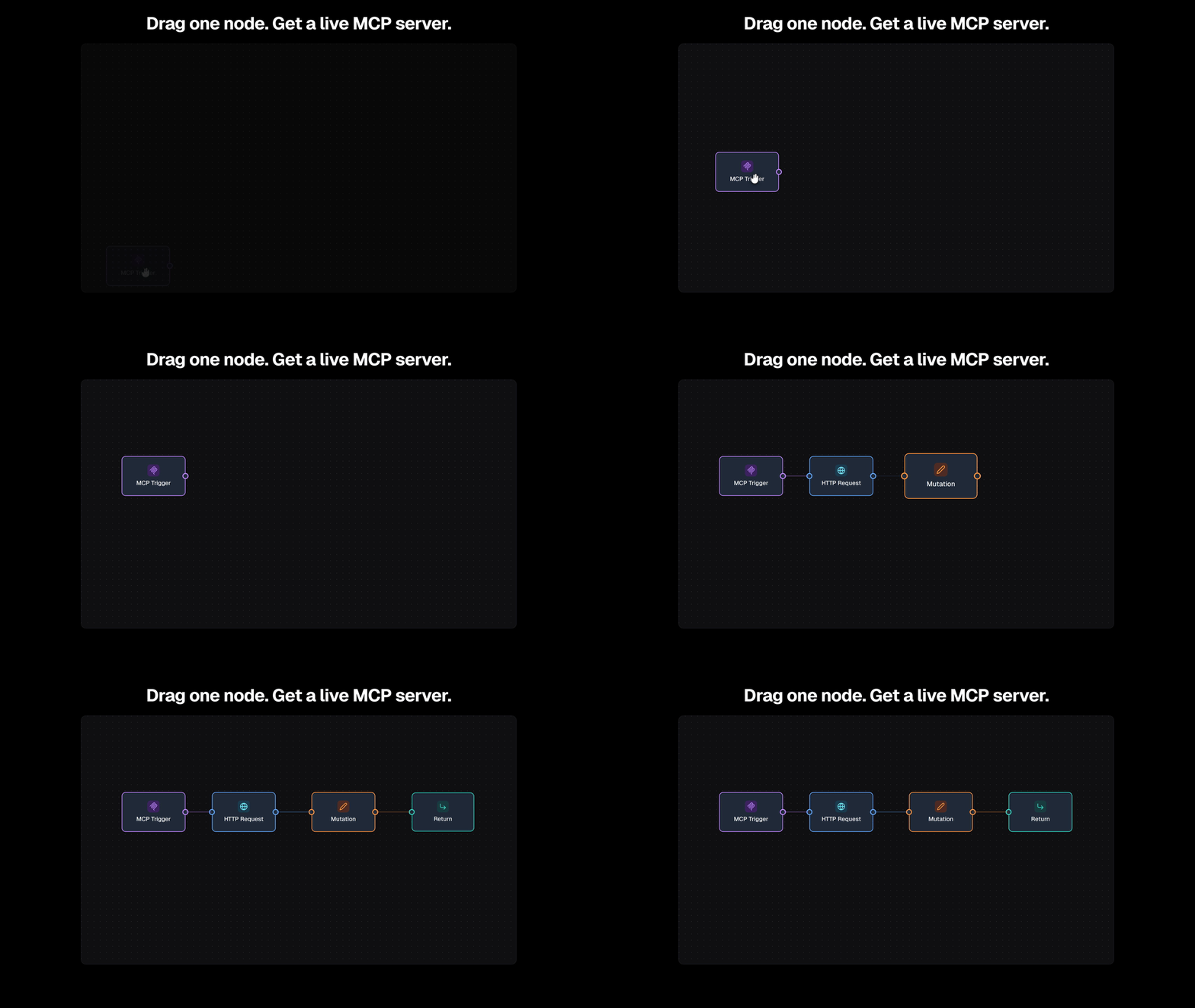
Testing inside VibeFlow
You can easily test your Convex MCP server inside VibeFlow:
Install
npm install @vibeflowai/convex-mcp
Features
- Tools – Expose Convex functions as MCP tools
- Prompts – Define MCP prompts with Zod args
- Resources – Serve static and templated MCP resources
Quick Start
Define your MCP server:
// convex/mcp.ts
import { api, internal } from "./_generated/api";
import { defineMcpServer, tool, prompt, resource, promptResult, assistantText, userText } from "@vibeflowai/convex-mcp";

export const mcp = defineMcpServer({
  name: "my-app",
  version: "0.1.0",
  tools: {
    users: {
      get: tool(api.users.get, {
        kind: "query",
        description: "Fetch a user by id",
        args: (z) => ({ userId: z.string() }),
      }),
    },
  },
  prompts: {
    onboarding: prompt(
      { args: (z) => ({ name: z.string() }) },
      async ({ name }) => promptResult([assistantText(`Welcome ${name}!`)])
    ),
  },
  resources: {
    config: resource(api.resources.config, {
      kind: "query",
      uri: "config://app",
      mimeType: "application/json",
    }),
  },
});
Mount it:
// convex/http.ts
import { httpRouter } from "convex/server";
import { mcp } from "./mcp";

const http = httpRouter();
mcp.addHttpRoutes(http);

export default http;
Auth
import { bearerAuth } from "@vibeflowai/convex-mcp";

mcp.addHttpRoutes(http, {
  auth: bearerAuth({ env: "MCP_AUTH_TOKEN" }),
});
API Reference
| Function | Description |
|---|---|
defineMcpServer(...) |
Create an MCP server with tools, prompts, and resources |
tool(ref, opts) |
Register a Convex function as an MCP tool |
prompt(opts, handler) |
Register an MCP prompt |
resource(ref, opts) |
Register a fixed MCP resource |
resourceTemplate(ref, opts) |
Register a templated MCP resource |
bearerAuth(opts) |
Add Bearer token auth |
License
Contacts
For custom work or enterprise needs, reach out to Alessia & Elia directly: 📩 [email protected]
- 🌐 Website: vibeflow.ai
- 🚀 App: app.vibeflow.ai
Installing Convex
This server has no published package — it is built from source. Open the repository and follow its README.
▸ github.com/vibeflowing-inc/convex-mcpFAQ
Is Convex MCP free?
Yes, Convex MCP is free — one-click install via Unyly at no cost.
Does Convex need an API key?
No, Convex runs without API keys or environment variables.
Is Convex hosted or self-hosted?
A hosted option is available: Unyly runs the server in the cloud, no local setup required.
How do I install Convex in Claude Desktop, Claude Code or Cursor?
Open Convex on unyly.org, pick your client tab (Claude Desktop, Claude Code, Cursor) and press Install — the config is generated automatically, no JSON editing.
Related MCPs
Fetch
Web content fetching and conversion for efficient LLM usage.
AWS KB Retrieval
Retrieval from AWS Knowledge Base using Bedrock Agent Runtime.
 by modelcontextprotocol
Spring AI MCP Server
Provides auto-configuration for setting up an MCP server in Spring Boot applications.
llm-analysis-assistant
A very streamlined mcp client that supports calling and monitoring stdio/sse/streamableHttp, and can also view request responses through the /logs page. It also
 by xuzexin-hz
Compare Convex with
Not sure what to pick?
Find your stack in 60 seconds
Author?
Embed badge for your README
Browse similar
All ai MCPs