loading…
en/
Browse all
Firma
FreeNot checkedocal-first CLI asset tracker for overseas stock investors. Tracks portfolio P\&L, net worth, and cash flow. Pulls earnings, insider trades, and SEC filings via

About
ocal-first CLI asset tracker for overseas stock investors. Tracks portfolio P&L, net worth, and cash flow. Pulls earnings, insider trades, and SEC filings via Finnhub. 13 MCP tools for Claude Desktop — read and write your financial data in natural language.
README
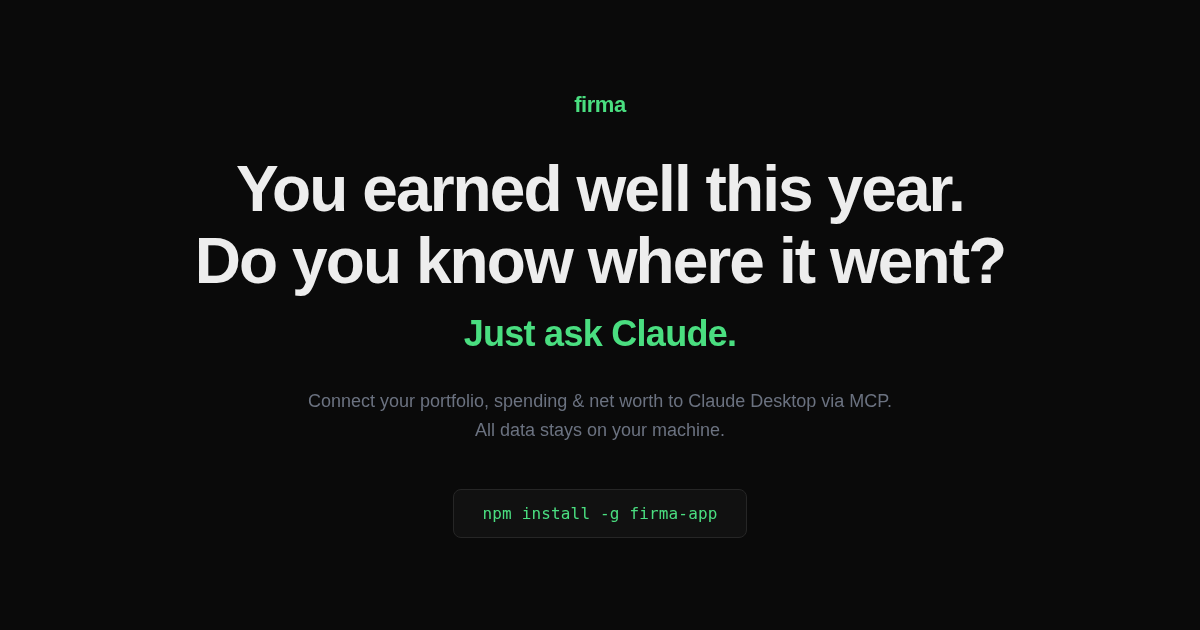
firma
You earned well this year.
Do you know where it went?
Drop your trade history into Claude. Get back the full picture
portfolio, net worth, cash flow, stored in one local SQLite file. No account. No cloud. No catch.


You:    Here's my IBKR trade history [trades.csv]. Set up firma.
Claude: I see 47 transactions. Logging in chronological order... done.
        Syncing prices and FX history... your portfolio: $179K, +61% all-time. TSLA is 78%.

You:    My portfolio feels really volatile lately. Should I be worried?
Claude: TSLA is 74% of your equity, a 10% TSLA move is a 7% net worth move.
        Cash flow is solid at $6.4k/month saved. The volatility is market, not lifestyle.

You:    That July expense spike looks alarming.
Claude: That was $57k in TSLL, a leveraged bet, not spending.
        Strip it out: expenses flat at ~$7k/month, savings rate 47.8%.

You:    Give me a full overview with charts.
Claude: Net worth: $294k → $490k in 8 months, pulled back to $427k with TSLA's Q1 dip.
        [builds net worth trend, income vs expenses, portfolio allocation, unrealized P&L]
Your brokerage app shows you a number. firma shows you the truth.
- It talks to Claude. Natively. Every command lives behind MCP, log trades, sync prices, render charts, reason about your money. You type plain English; Claude does the rest.
- Local-first, no exceptions. Everything sits in
~/.firma/firma.db. No server, no sync, no account. Your financial data never leaves your machine. Ever. - Nine markets, one source of truth. US, KRX, KOSDAQ, JP, HK, LSE, XETRA, NSE, TW, plus crypto, commodities, and real estate. Stored in USD, shown in any currency, with historical FX from FRED: a 2018 balance gets the 2018 rate, not today's.
- No holdings table to lie to you. Portfolio, cost basis, P&L, all derived live from your trade log. Nothing drifts out of sync, because there's nothing to drift.
- A brief that actually has an opinion.
get_market_briefdoesn't dump data, it takes a stance. A weekly lean (aggressive or defensive), a ranked call per holding (BUY / ADD / HOLD / TRIM / SELL / AVOID with conviction and an English thesis), and a watchlist of what to look at next. Every holding is classified, run through a category playbook, and checked by a correlation guard that catches "more of what you already own" before it lands. - A simulator nobody else ships.
project_net_worthruns multi-scenario Monte Carlo over your portfolio at any horizon, next month or 30 years, one tool.simulate_scenariodoes the deterministic day-to-week version ("PCE comes in hot Thursday, how much does that cost me?"). You supply the assumptions, Claude discloses them verbatim, firma does the math. No hidden "advisor view." - Time-series features from day one. The first
firma syncbackfills 90 days of daily history. Correlation, Sharpe, max drawdown, volatility, CAGR, populated immediately, not 30 days from now. - It tracks your decisions, not just your positions.
show_thesis_trackreads your own trade reasons back to you against the outcome.show_anti_portfoliofollows what you sold, the data brokerages hide because it exposes bad exits.
Get started
# 1. Install
npm install -g @evan-moon/firma

# 2. Set API keys (both free)
firma config set finnhub-key YOUR_KEY   # finnhub.io, prices, news, earnings
firma config set fred-key YOUR_KEY      # fred.stlouisfed.org, macro & FX history

# 3. Connect Claude Desktop, then restart it
firma mcp install
Rather not touch a terminal? Grab the macOS or Windows installer, Node.js is bundled, Claude is wired up for you.
Then drop your data into Claude, a CSV, a brokerage export, plain text. It logs everything and syncs prices automatically.
If firma helps you see where your money went, ⭐ star the repo, it's the cheapest way to help others find it.
How it's split: MCP thinks, the CLI keeps you safe
firma is MCP-first. Analysis, briefs, recommendations, news, valuation, projections, all of it happens in conversation with Claude. The CLI exists for the three things a chat can't safely own: setup, manual data entry, and repair.
# Setup
firma config set <key>        # finnhub-key / fred-key / currency
firma mcp install             # register with Claude Desktop
firma doctor                  # check keys, data state, FX cache, coverage

# Manual entry
firma add txn                 # buy / sell / deposit / dividend / tax, any of 9 markets
firma add monthly             # month-end balance + cash flow in one flow
firma add snapshot            # sync prices, snapshot today's portfolio

# Repair (when Claude or you got it wrong)
firma edit txn / balance / flow / snapshot
firma delete txn / ...        # alias: firma rm

# Verify (read-only, just confirm what landed in the DB)
firma show portfolio / txns / balance / flow / snapshot / profile / fx

# Sync
firma sync                    # prices (Finnhub) + FX history (FRED) + correlation cache
firma sync fx                 # FX history only
Everything analytical (get_market_brief, every show_*, report, project_net_worth, simulate_scenario) lives in Claude. Two tool families that never mix: diagnostic (what's true right now, no fortune-telling) and thought experiment (what-ifs, assumptions always disclosed).
Architecture
A Yarn Berry monorepo with a strict port-and-adapter layout. The application layer never imports an external API directly, it talks to domain interfaces, and adapters implement them.
packages/
  domain/        ports + types, zero external-API knowledge
  external-api/  raw clients (finnhub, fred, worldbank, gdacs, yahoo, …), zero domain knowledge
  adapter/       the only layer that imports both sides
  use-case/      business logic (portfolio, brief, advisor, projection, scenario)
  shared/        db + utils
apps/
  cli/  mcp/  docs/
The rule: external-API packages know nothing about firma's domain; domain packages know nothing about any external API. @firma/adapters is the single bridge. Adding a data source touches no command and no business logic, a new raw client, one adapter, one registration line.
See CONTRIBUTING.md for the full walkthrough and the recipe for adding a provider.
Development
Requires Node.js 22+ and Yarn Berry.
corepack enable
yarn install
yarn dev:cli show portfolio    # CLI dev mode
yarn typecheck
yarn test
The ecosystem
firma is one of three local-first tools that share one principle, your data stays on your machine, and the AI comes to it. They interoperate through any MCP client, and none depends on the others.
flowchart TB
    U([You])
    subgraph I["Interfaces, talk to your tools"]
        direction LR
        CD[Claude Desktop]
        CC[Claude Code]
        H["Herald · voice"]
    end
    subgraph T["Local-first tools, each owns its data, on your machine"]
        direction LR
        F["firma · money<br/>~/.firma"]
        M["memex · memory<br/>~/.memex"]
        S["skope · news<br/>~/.skope"]
    end
    U --> I
    I -- MCP --> F & M & S
    F <-. never call each other .-> M
    M <-.-> S
- firma · money, portfolio, net worth, cash flow
- memex · memory, notes and the context behind them, across sessions
- skope · news, a personalized lens on the world
You reach them through Claude Desktop, Claude Code, Cursor, or Herald, a voice interface. The tools compose through the model, never by calling each other.
License
MIT © Evan Moon
How to install
Run in your terminal:
claude mcp add firma -- npx 
