
GENIE
FreeNot checkedGENIE is a modern, full-stack template designed for building AI agents using LangGraph.js on the frontend and Model Context Protocol (MCP) on the backend. It co

About
GENIE is a modern, full-stack template designed for building AI agents using LangGraph.js on the frontend and Model Context Protocol (MCP) on the backend. It combines a high-performance Next.js 15 client with a flexible Python server, offering a robust foundation for intelligent applications.
README





Build powerful AI agents using LangGraph.js, LangChain, and Model Context Protocol (MCP).
GENIE is a production-ready full-stack framework for creating intelligent AI applications. It combines Next.js 15 with LangGraph.js for frontend agent orchestration, and a Python FastMCP server with 50+ built-in tools including calculators, converters, visualizations, and developer utilities.
🎯 Why GENIE?
- Multi-Model Support: Works with Google Gemini, OpenAI GPT-4, Anthropic Claude, and any LangChain-compatible LLM
- 50+ MCP Tools: Pre-built utilities for calculations, data conversion, web tools, code analysis, and interactive charts
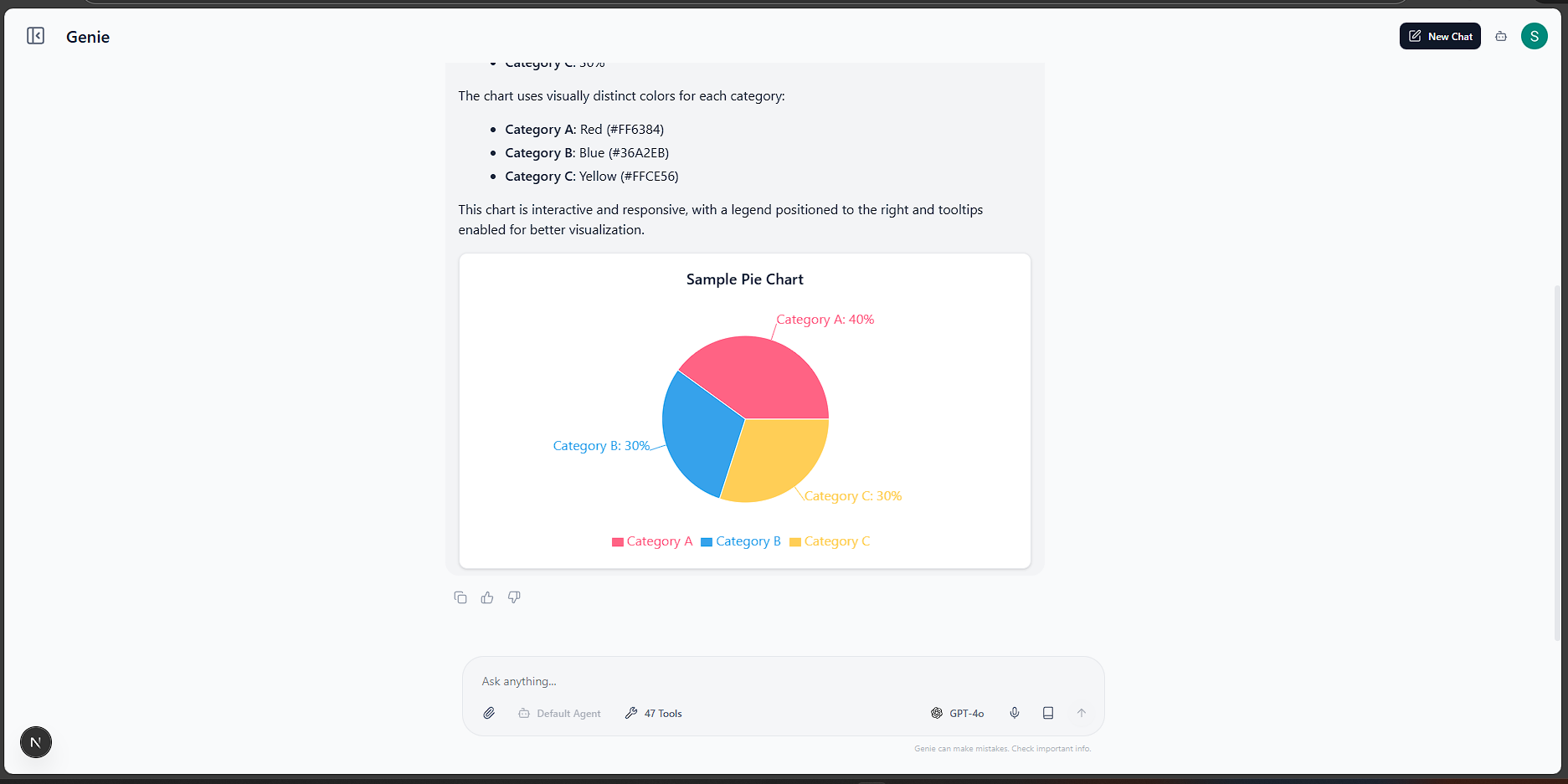
- Interactive Visualizations: Pie charts, bar charts, line graphs, and QR codes render directly in chat
- Multi-Agent Architecture: Supervisor pattern with LangGraph for orchestrating specialized sub-agents
- Enterprise Auth: NextAuth.js with Google OAuth, Azure AD, and customizable providers
- MongoDB Integration: Built-in database tools for querying and storing data
- Extensible: Easy to add custom MCP tools and new AI agents
📂 Project Structure
The project is divided into two main components:
genie_client/: Next.js 15 frontend with LangGraph.js, LangChain, TanStack Query, and Tailwind CSSgenie_server/: Python backend with FastMCP, MongoDB integration, and 50+ utility tools
✨ Key Features
🔐 Authentication
Secure user authentication is implemented using NextAuth.js, supporting multiple providers:
- Google OAuth: Easy login with Google accounts.
- Azure AD: Enterprise-grade authentication.
- Customizable: additional providers can be added in
app/api/auth/[...nextauth]/route.ts.
🔌 Model Context Protocol (MCP) Integration
The project fully embraces the Model Context Protocol for standardized tool usage:
- FastMCP Server: The
genie_serverruns a FastMCP instance (server.py) exposing 50+ production-ready tools. - Tool Selection: The frontend (LangGraph agent) dynamically discovers and selects these MCP tools to fulfill user requests, enabling a decoupled and extensible architecture.
- Interactive Visualizations: Charts (pie, bar, line, doughnut), Mermaid diagrams, Stats dashboards, and QR codes render inline in chat responses.
📊 Available MCP Tools
🔢 Analytics Tools
| Tool | Description |
|---|---|
calculate_metrics |
Calculate conversion rate from visits and conversions |
analyze_sentiment_keyword |
Analyze text for positive sentiment keywords |
💰 Finance Tools
| Tool | Description |
|---|---|
get_stock_price |
Get simulated stock price for a ticker symbol |
🗄️ Data Tools
| Tool | Description |
|---|---|
get_userData |
Query MongoDB database for user documents |
📈 Visualization Tools
| Tool | Description |
|---|---|
generate_pie_chart |
Create interactive pie chart with labels and values |
generate_bar_chart |
Create vertical/horizontal bar chart |
generate_line_chart |
Create multi-series line chart for trends |
generate_doughnut_chart |
Create doughnut chart (pie with center hole) |
generate_comparison_chart |
Create grouped bar chart comparing two datasets |
generate_mermaid_diagram |
Create Flowcharts, Sequence Diagrams, and more |
generate_stats_dashboard |
Create KPI dashboards with trends and metrics |
🛠️ Utility Tools
| Tool | Description |
|---|---|
generate_password |
Generate secure random password with strength analysis |
generate_uuid |
Generate UUID v1 (time-based) or v4 (random) |
hash_text |
Hash text using MD5, SHA1, SHA256, or SHA512 |
encode_base64 |
Encode text to Base64 or decode Base64 to text |
word_count |
Get word count, reading time, and text statistics |
calculate_percentage |
Calculate what percentage a value is of total |
calculate_discount |
Calculate discount amount and final price |
calculate_tip |
Calculate tip with optional bill splitting |
calculate_bmi |
Calculate Body Mass Index from weight/height |
calculate_loan |
Calculate monthly payment and total interest |
convert_temperature |
Convert between Celsius, Fahrenheit, Kelvin |
convert_length |
Convert between metric and imperial length units |
convert_weight |
Convert between metric and imperial weight units |
convert_data_size |
Convert between B, KB, MB, GB, TB, PB |
get_current_datetime |
Get current date/time with timezone offset |
calculate_date_difference |
Calculate days/weeks/months between two dates |
add_days_to_date |
Add or subtract days from a date |
format_json |
Prettify and validate JSON strings |
generate_lorem_ipsum |
Generate placeholder Lorem Ipsum text |
🌐 Web Tools
| Tool | Description |
|---|---|
parse_url |
Parse URL into components (domain, path, params) |
build_url |
Build URL from base, path, and query params |
encode_url |
URL encode or decode strings |
extract_emails |
Extract all email addresses from text |
extract_urls |
Extract all URLs from text |
validate_email |
Validate email format with detailed feedback |
generate_qr_data |
Generate QR code data (renders in UI) |
extract_hashtags |
Extract #hashtags from text |
extract_mentions |
Extract @mentions from text |
analyze_domain |
Analyze domain name (TLD, subdomain, etc.) |
slugify |
Convert text to URL-friendly slug |
💻 Developer Tools
| Tool | Description |
|---|---|
test_regex |
Test regex pattern and show all matches |
convert_color |
Convert between HEX, RGB, and HSL formats |
generate_color_palette |
Generate complementary/analogous/triadic palettes |
escape_string |
Escape for HTML, JSON, regex, SQL, or URL |
diff_text |
Compare two texts and show differences |
minify_json |
Minify JSON by removing whitespace |
count_code_lines |
Count code, comment, and blank lines |
generate_color_from_text |
Generate consistent color from any text |
📝 Prompt Management
- Save & Reuse: Users can save their current chat context or specific instructions as reusable prompts.
- Database Storage: Prompts are stored in the database for easy retrieval and management via the
PromptSaveDialog.
🤖 Multi-Agent & Custom Agent Chat
- Supervisor Pattern: Uses
langgraph-supervisorto orchestrate a team of specialized sub-agents. - Custom Agents: Users can define and configure custom sub-agents with specific system prompts, models, and allowed tools.
- Intelligent Routing: The supervisor agent analyzes user queries and routes them to the most appropriate sub-agent(s) for handling.
📄 Document & Image Analysis
- File Uploads: Supports uploading various file types via the
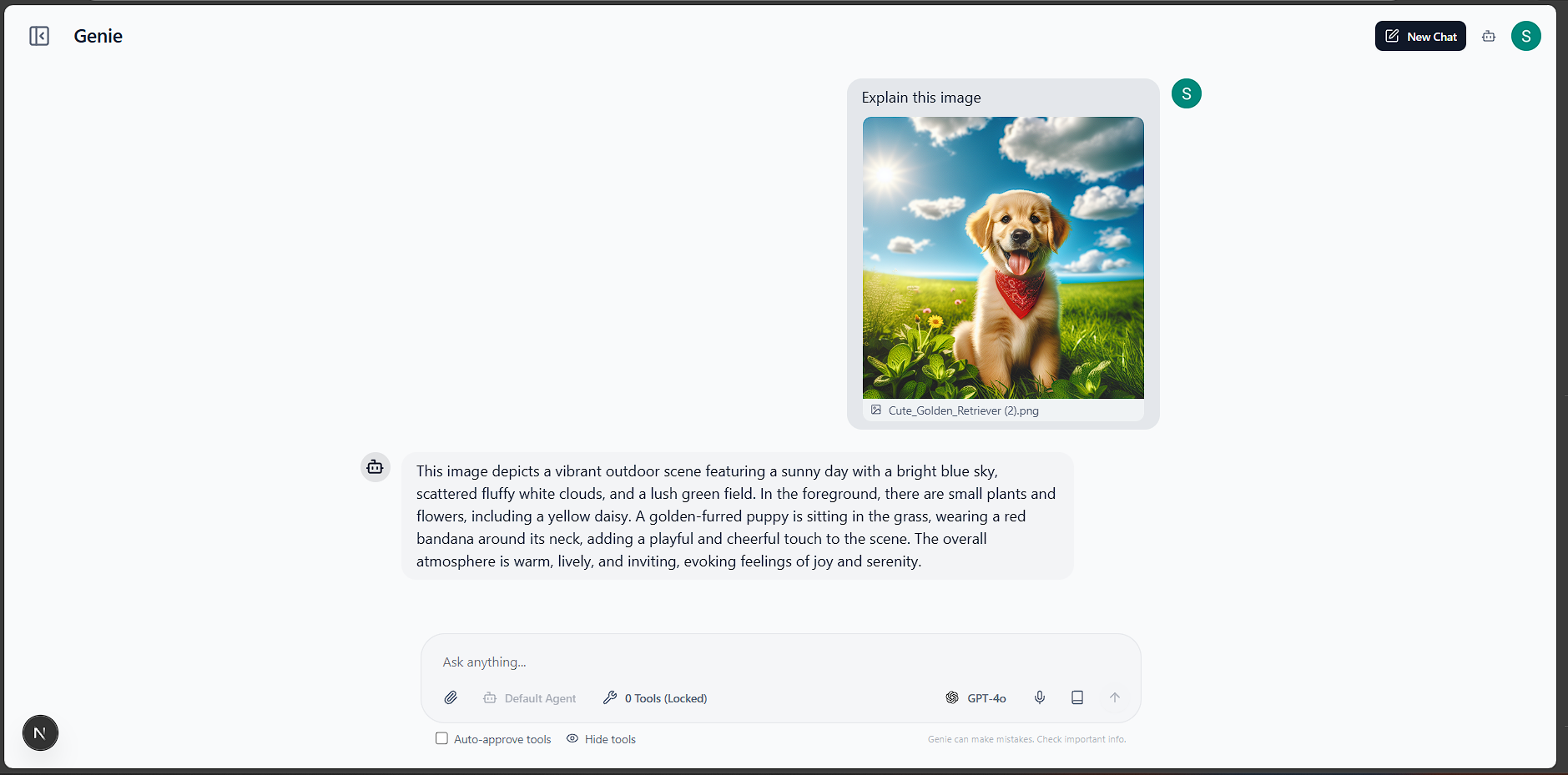
api/uploadendpoint. - Image Analysis: Images are processed (base64 encoded) and passed to vision-capable models for analysis.
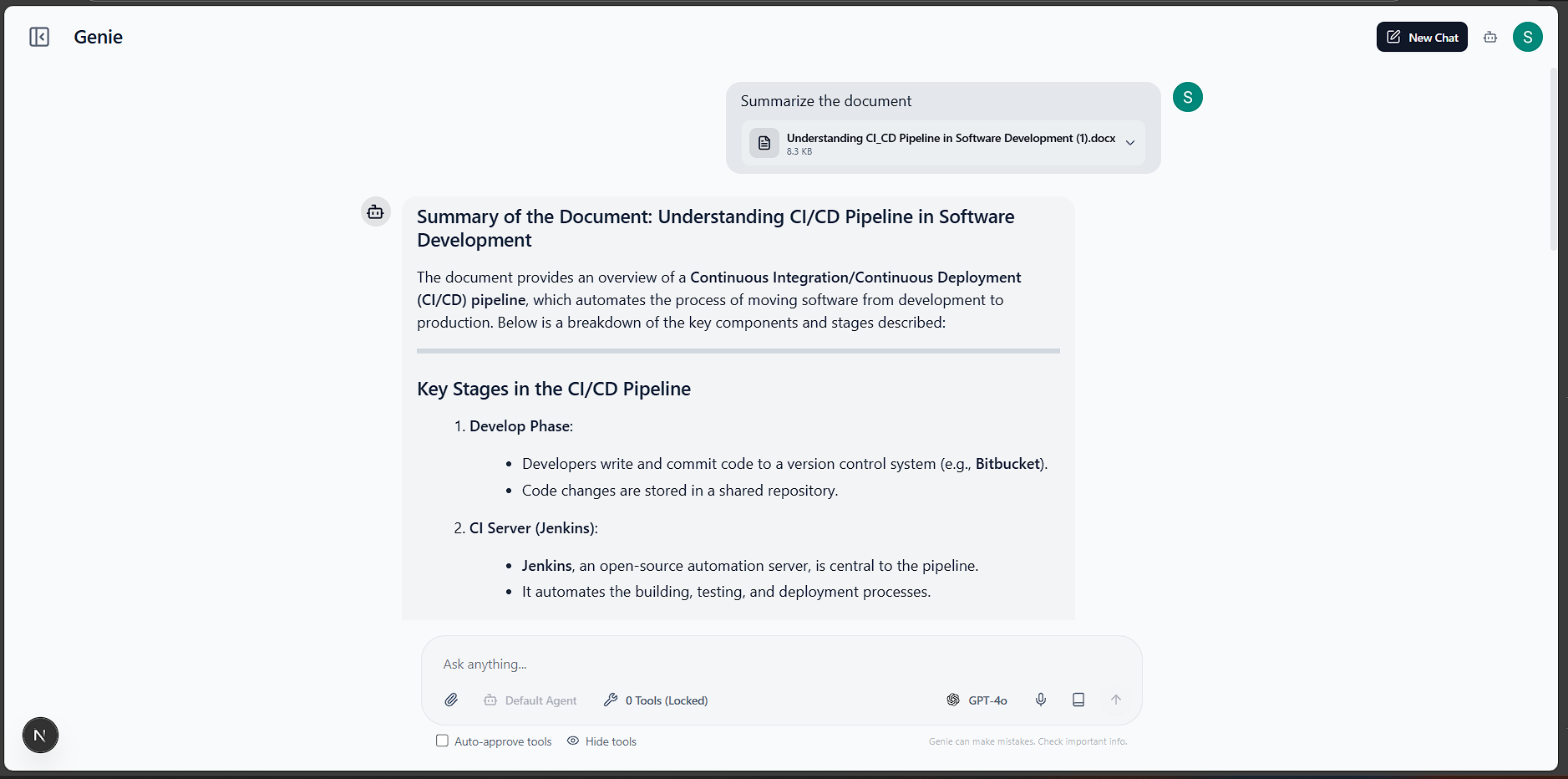
- Document Parsing: Text is extracted from documents (PDF, DOCX, etc.) to provide context for the AI agents.
� Screenshots
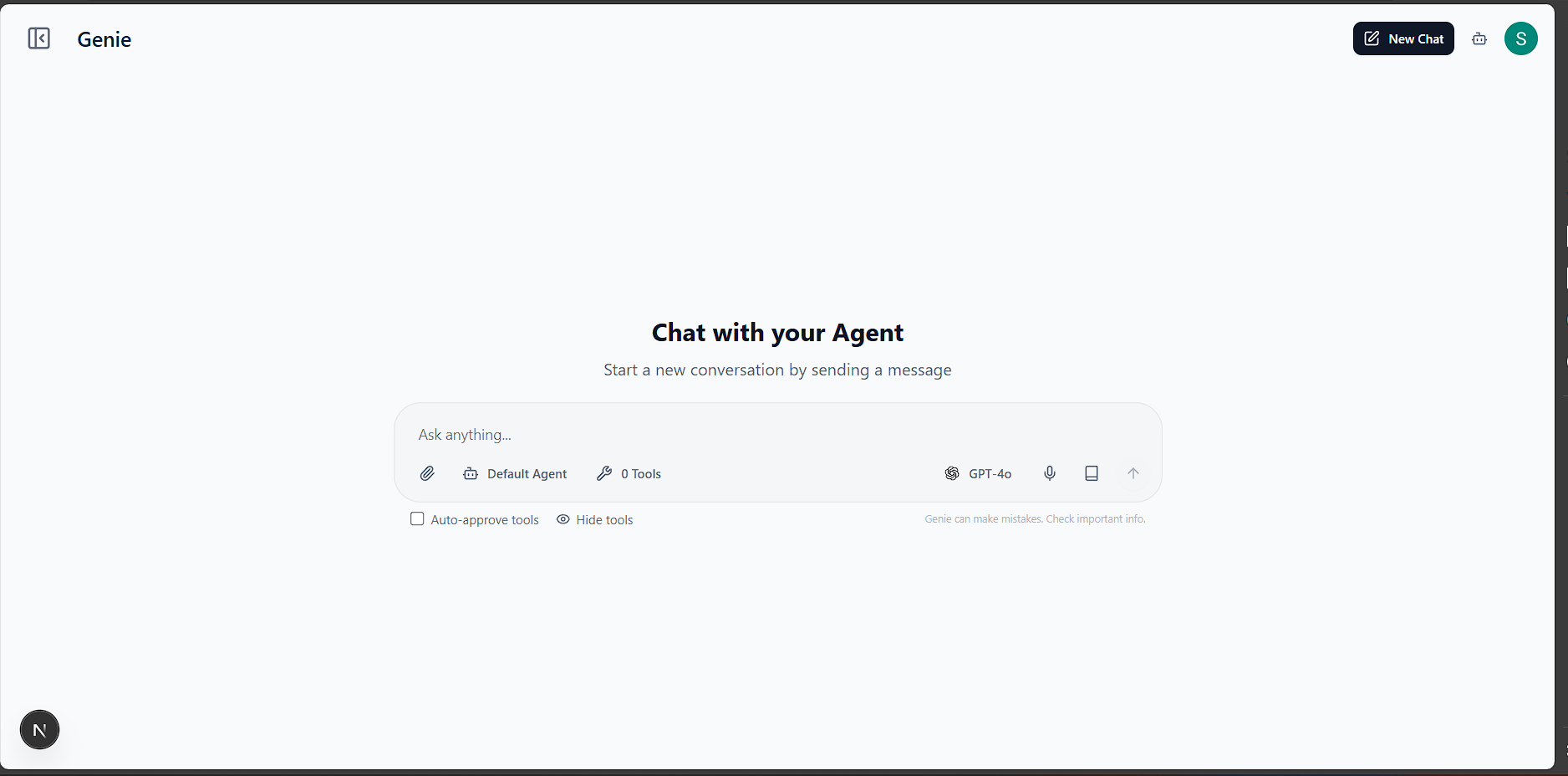
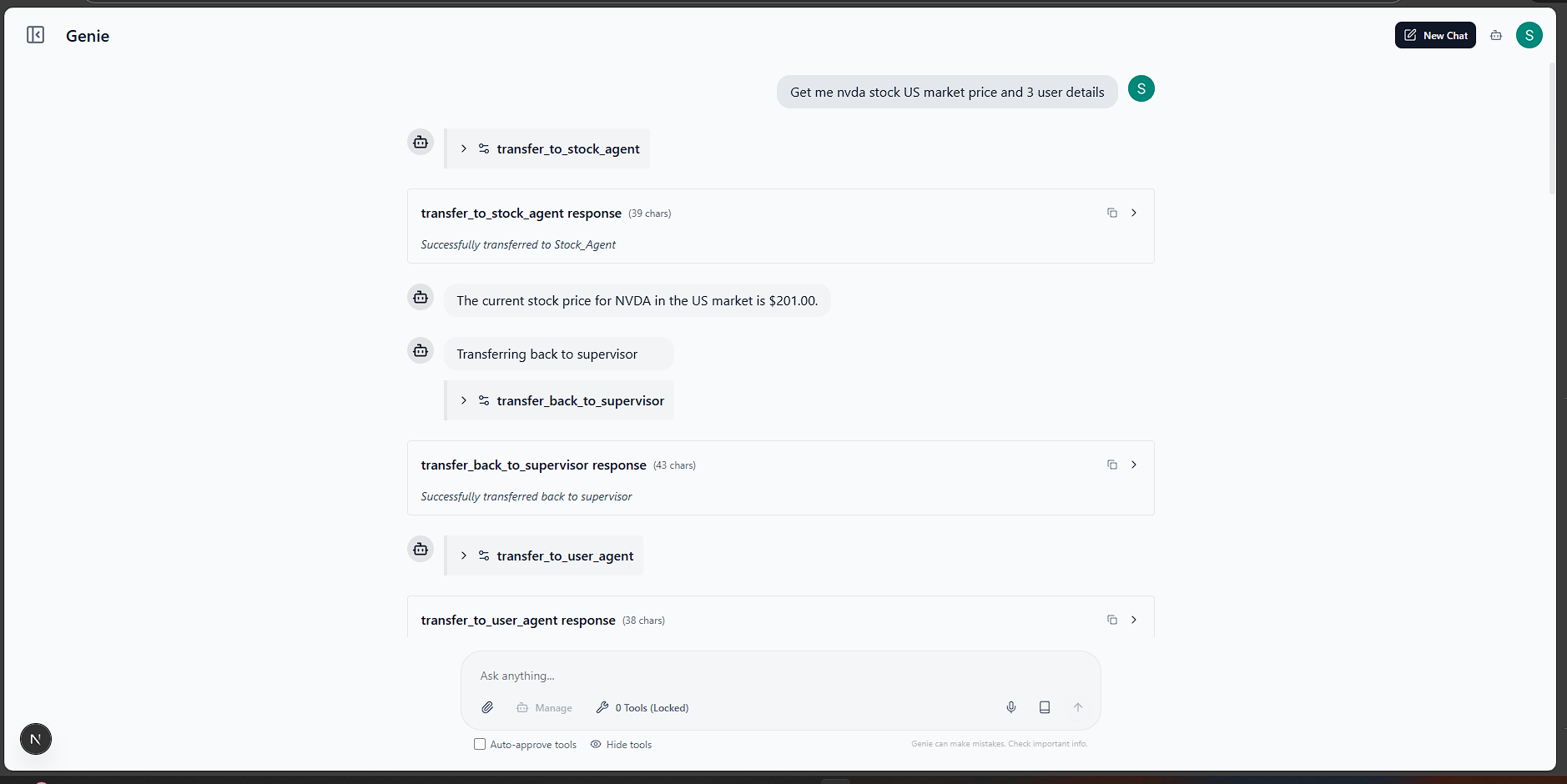
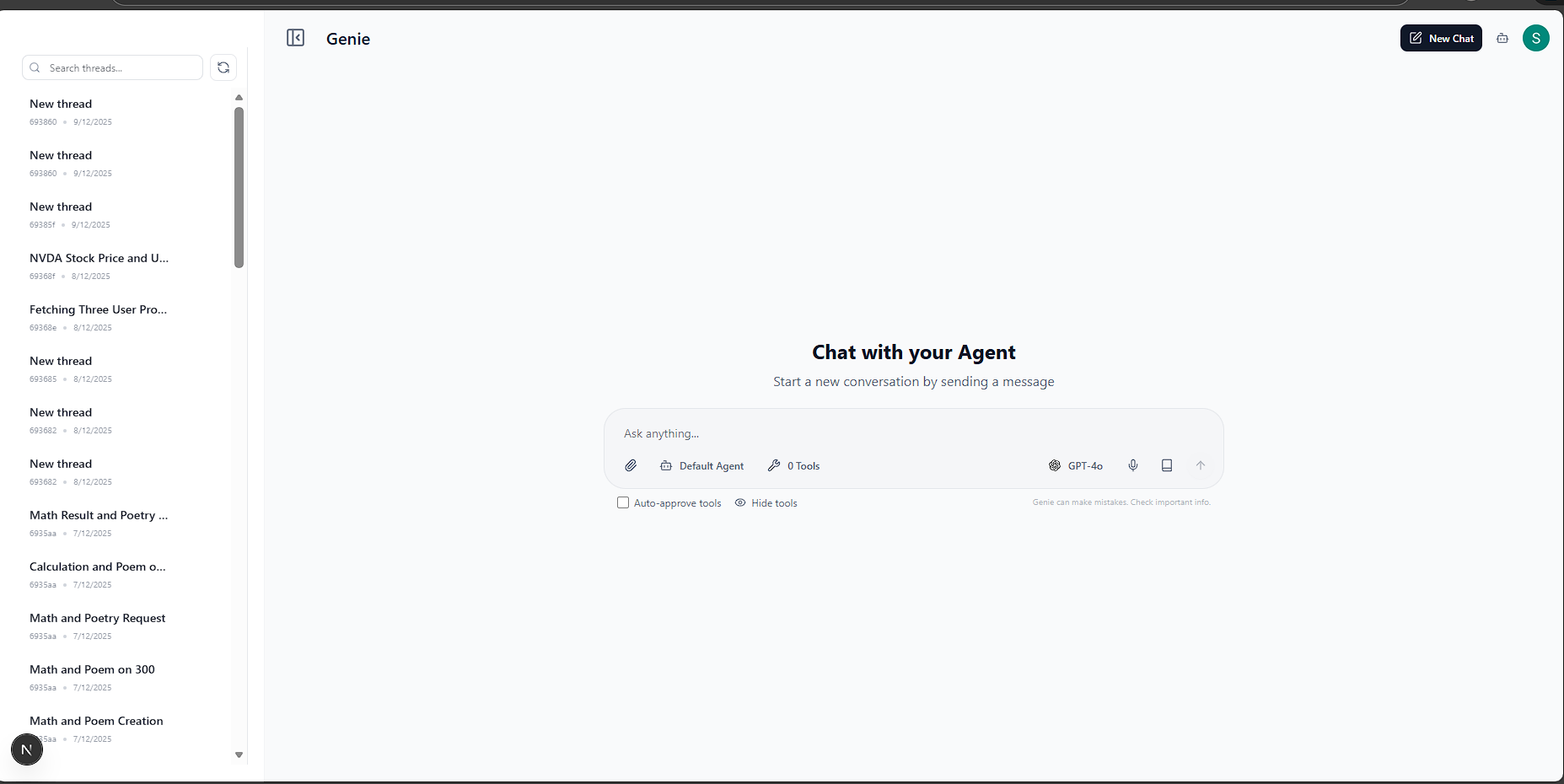
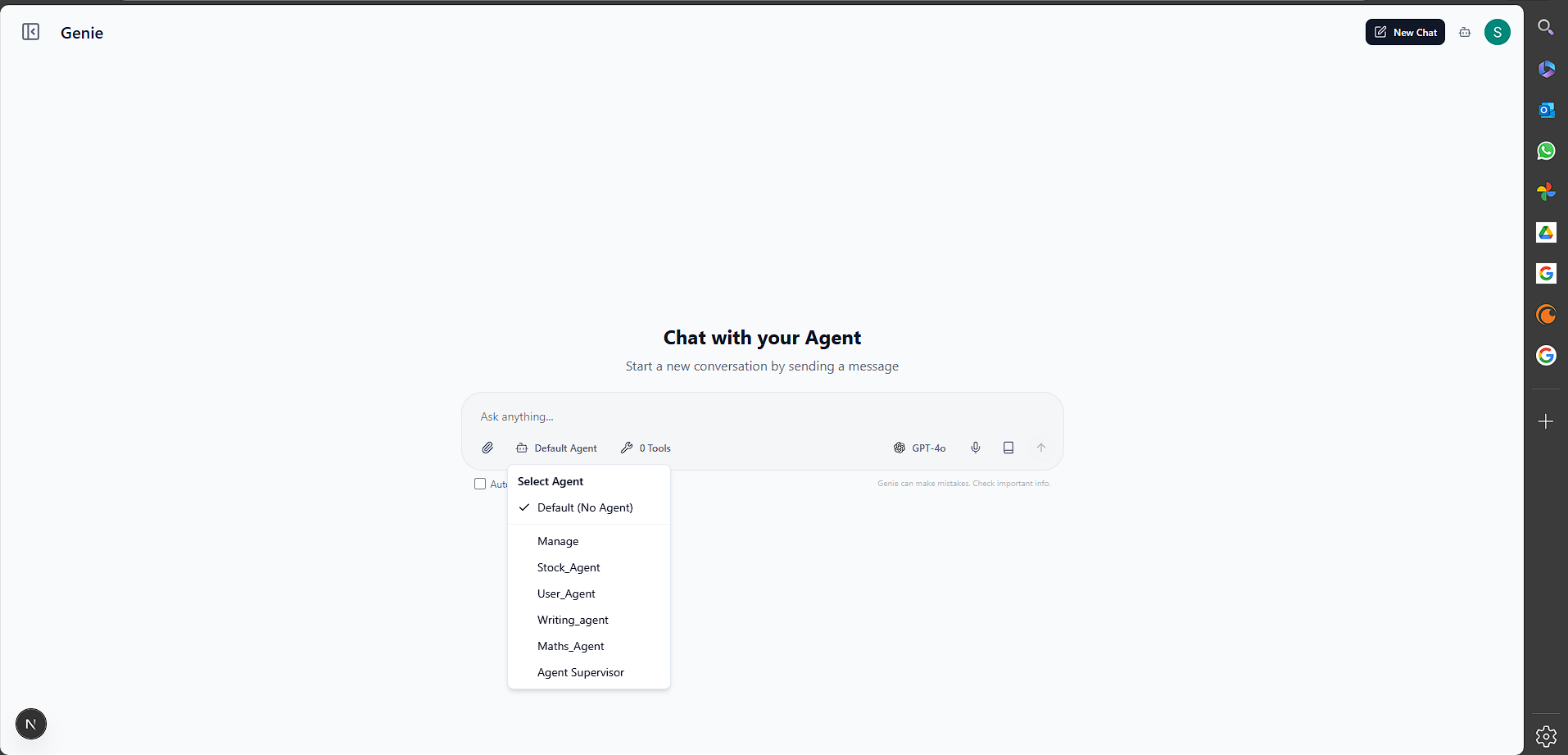
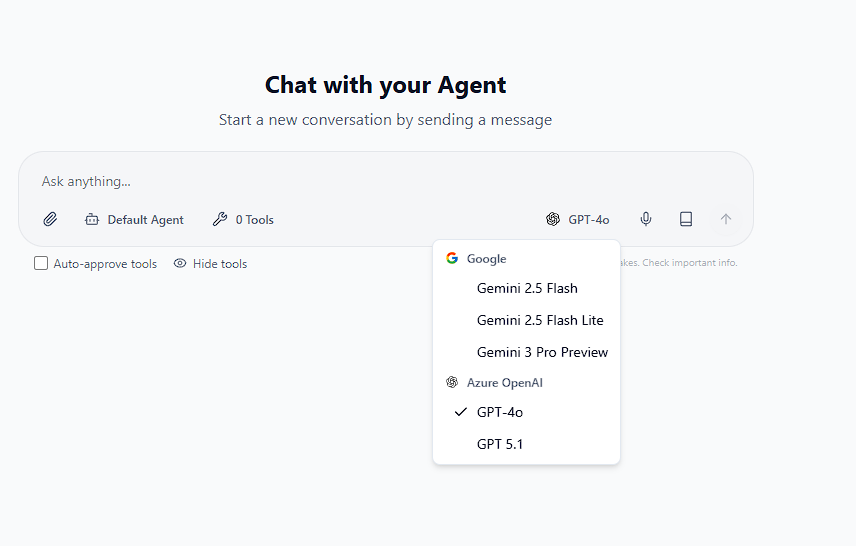
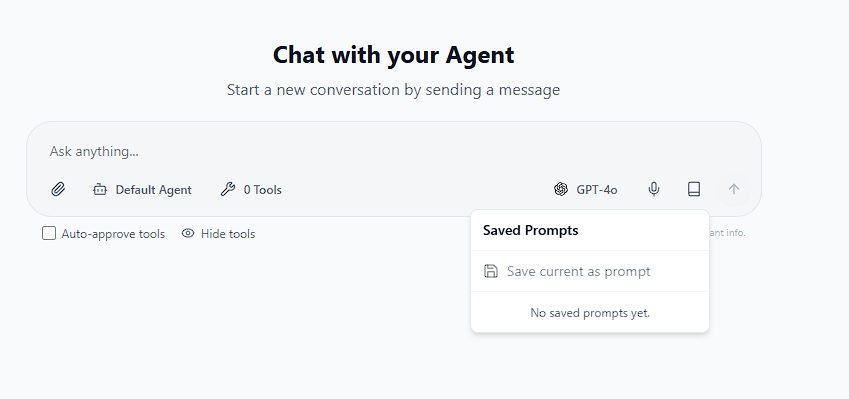
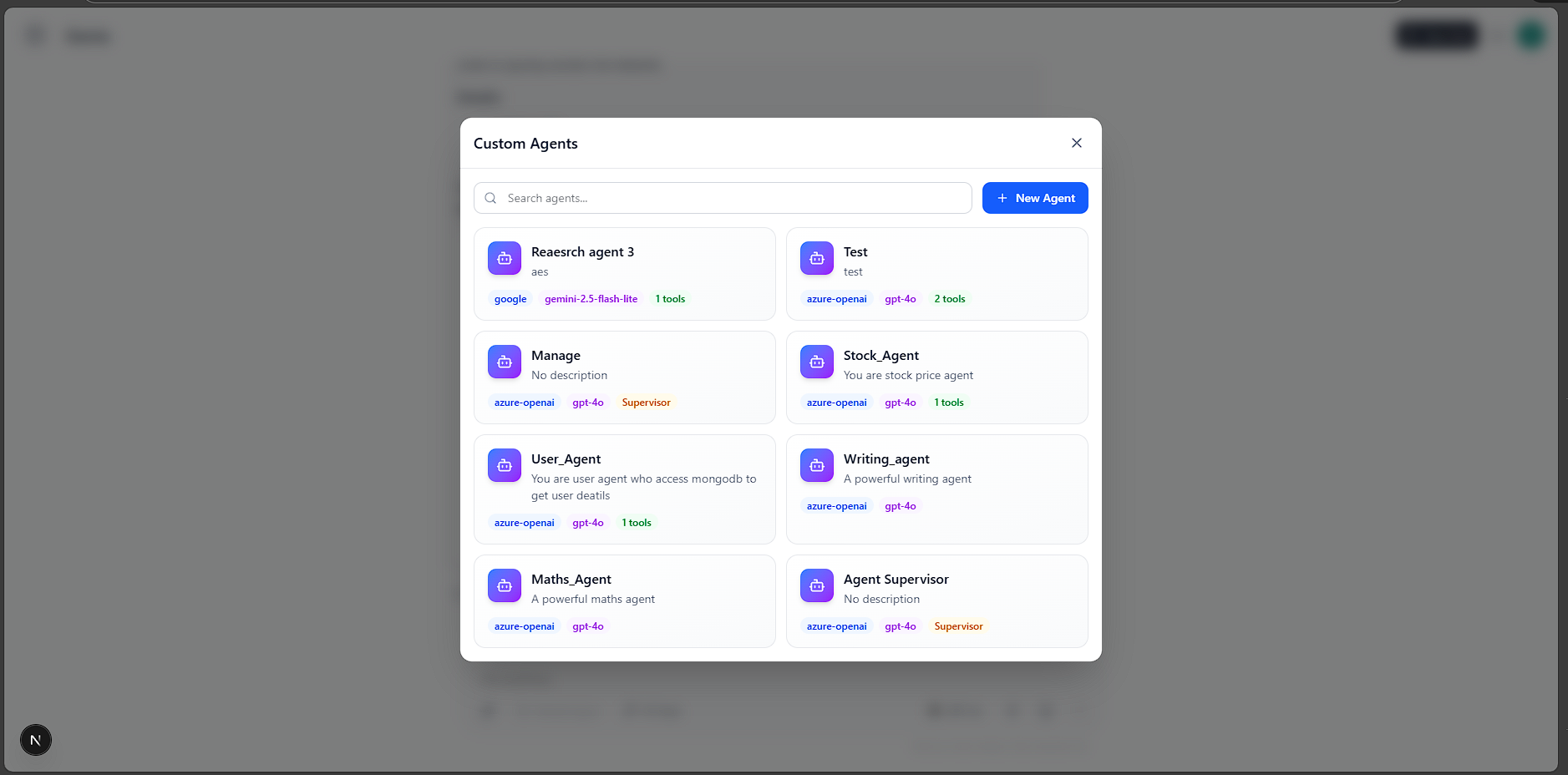
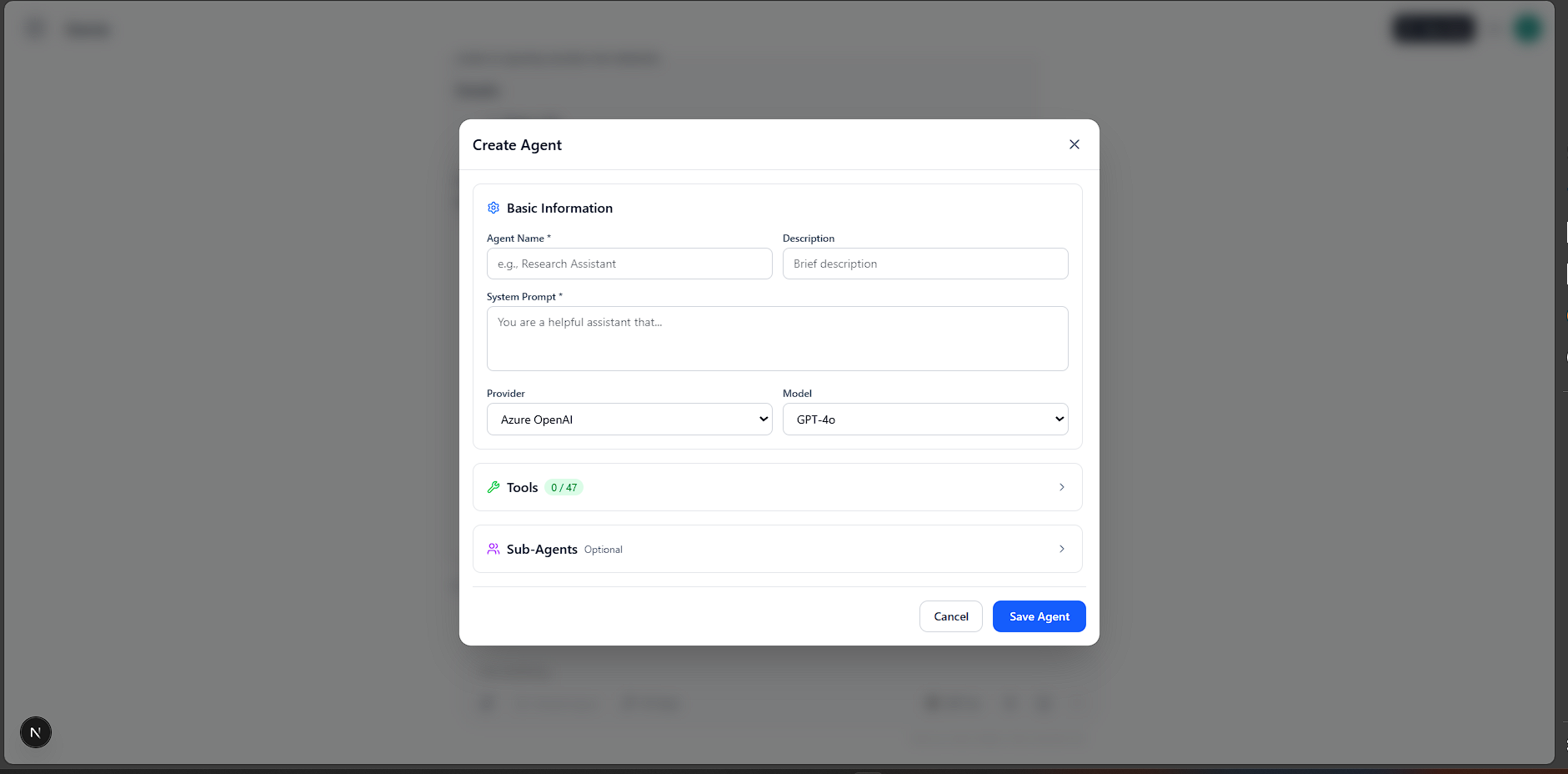
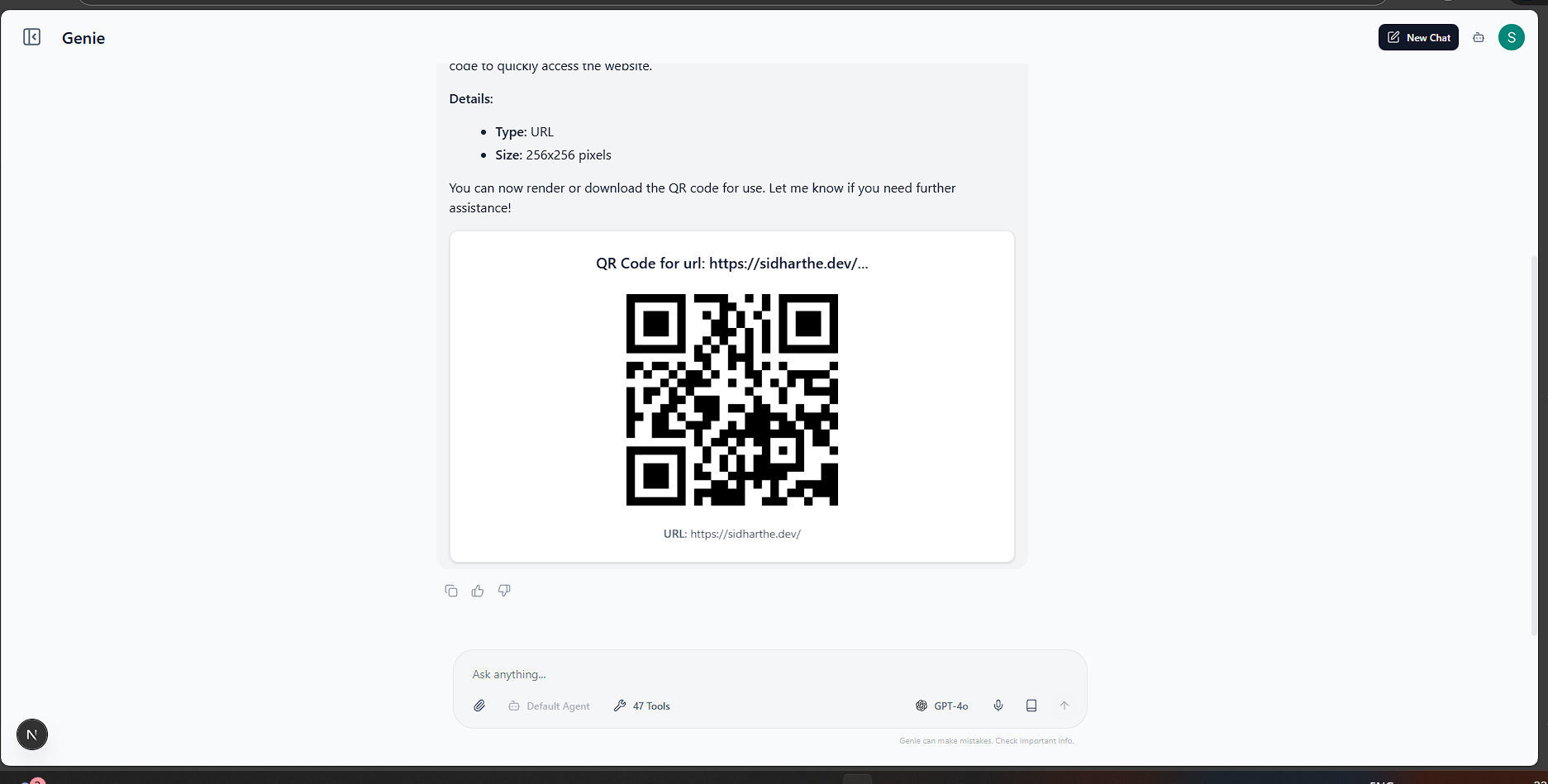
�🚀 Getting Started
Follow these instructions to set up and run the project locally.
Prerequisites
Ensure you have the following installed:
- Node.js (v18+ recommended)
- pnpm (Package manager)
- Python (v3.10+)
- MongoDB (Running locally on default port
27017)
🐍 Backend Setup (genie_server)
Navigate to the server directory:
cd genie_serverCreate and activate a virtual environment:
# Windows
python -m venv .venv
.venv\Scripts\activate

# macOS/Linux
python3 -m venv .venv
source .venv/bin/activate
Install dependencies:
pip install -r requirements.txtStart the MCP server:
python server.pyThe server acts as a streamable MCP server (HTTP/SSE).
⚛️ Frontend Setup (genie_client)
Navigate to the client directory:
cd genie_clientInstall dependencies:
pnpm installSet up environment variables:
- Duplicate
.env.exampleto.env. - Configure your API keys (Google GenAI, OpenAI, etc.) as needed.
- Duplicate
Run the development server:
pnpm devOpen http://localhost:3000 in your browser to see the application.
🔌 MCP Configuration
To connect the frontend to the backend MCP server:
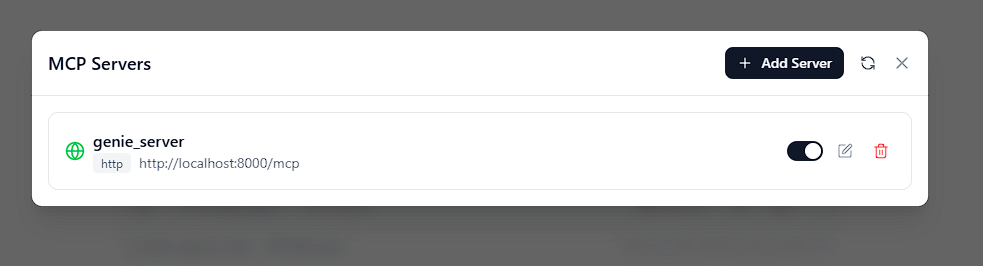
- Open the application at
http://localhost:3000. - Click the settings icon and "Configure MCP" in the header to open the MCP Server list.
- Click "Add Server" and enter the following details:
- Name:
Genie Server(or any name you prefer) - Type:
http - URL:
http://localhost:8000/mcp
- Name:
- Click "Save". The client will now be able to discover and use the tools defined in
genie_server/server.py.
Example MCP Server Configurations
Next.js MCP Server (stdio)
{
  "mcpServers": {
    "next-devtools": {
      "type": "stdio",
      "command": "npx",
      "args": ["-y", "next-devtools-mcp@latest"]
    }
  }
}
HTTP API Server (genie_server)
{
  "mcpServers": {
    "genie-server": {
      "type": "http",
      "url": "http://localhost:8000/mcp"
    }
  }
}
[!NOTE] The MCP tools in
genie_server/app/tools/provide production-ready functionality including calculators, converters, text analysis, visualization, and developer utilities. You can extend them with your own business logic or integrations.
🛠️ Tech Stack
Client
- Framework: Next.js 15 (App Router)
- AI Orchestration: LangGraph.js & LangChain
- Styling: Tailwind CSS & Shadcn UI
- State Management: TanStack Query
Server
- Core: Python
- Protocol: Model Context Protocol (MCP) via
FastMCP - Database: MongoDB (via
pymongo)
� Acknowledgements
Special thanks to the following projects for their base code and inspiration:
Installing GENIE
This server has no published package — it is built from source. Open the repository and follow its README.
▸ github.com/Sidharth-e/GENIEFAQ
Is GENIE MCP free?
Yes, GENIE MCP is free — one-click install via Unyly at no cost.
Does GENIE need an API key?
No, GENIE runs without API keys or environment variables.
Is GENIE hosted or self-hosted?
Self-hosted: the server runs locally on your machine via the install command above.
How do I install GENIE in Claude Desktop, Claude Code or Cursor?
Open GENIE on unyly.org, pick your client tab (Claude Desktop, Claude Code, Cursor) and press Install — the config is generated automatically, no JSON editing.
Related MCPs
Fetch
Web content fetching and conversion for efficient LLM usage.
AWS KB Retrieval
Retrieval from AWS Knowledge Base using Bedrock Agent Runtime.
 by modelcontextprotocol
Spring AI MCP Server
Provides auto-configuration for setting up an MCP server in Spring Boot applications.
llm-analysis-assistant
A very streamlined mcp client that supports calling and monitoring stdio/sse/streamableHttp, and can also view request responses through the /logs page. It also
 by xuzexin-hz
MCP-Agent
A simple, composable framework to build agents using Model Context Protocol by [LastMile AI](https://www.lastmileai.dev)
 by lastmile-ai
Spring AI MCP Client
Provides auto-configuration for MCP client functionality in Spring Boot applications.
mcp.natoma.ai
A Hosted MCP Platform to discover, install, manage and deploy MCP servers by [Natoma Labs](https://www.natoma.ai)
MCPHub
Website to list high quality MCP servers and reviews by real users. Also provide online chatbot for popular LLM models with MCP server support.
MCP Servers Rating and User Reviews
Website to rate MCP servers, write authentic user reviews, and [search engine for agent & mcp](http://www.deepnlp.org/search/agent)
mkinf
An Open Source registry of hosted MCP Servers to accelerate AI agent workflows.
Compare GENIE with
Not sure what to pick?
Find your stack in 60 seconds
Author?
Embed badge for your README
Browse similar
All ai MCPs