
Membrane
FreeNot checkedAn MCP server that gives AI agents persistent, verifiable memory by storing content on decentralized Walrus storage and cryptographically proving integrity via

About
An MCP server that gives AI agents persistent, verifiable memory by storing content on decentralized Walrus storage and cryptographically proving integrity via Sui blockchain.
README

🚀 Membrane - Universal Memory Layer for AI Agents
Python | FastAPI | Next.js | SUI | Walrus | MCP
The decentralized, verifiable knowledge infrastructure for autonomous agents.
🌟 Overview
Membrane is a comprehensive platform that provides persistent, verifiable, and shareable memory for AI agents through the Model Context Protocol (MCP). Built on the SUI blockchain for immutable cryptographic state and the Walrus protocol for decentralized blob storage.
📸 Screenshots
| Dashboard | Memories | Auth |
|---|---|---|
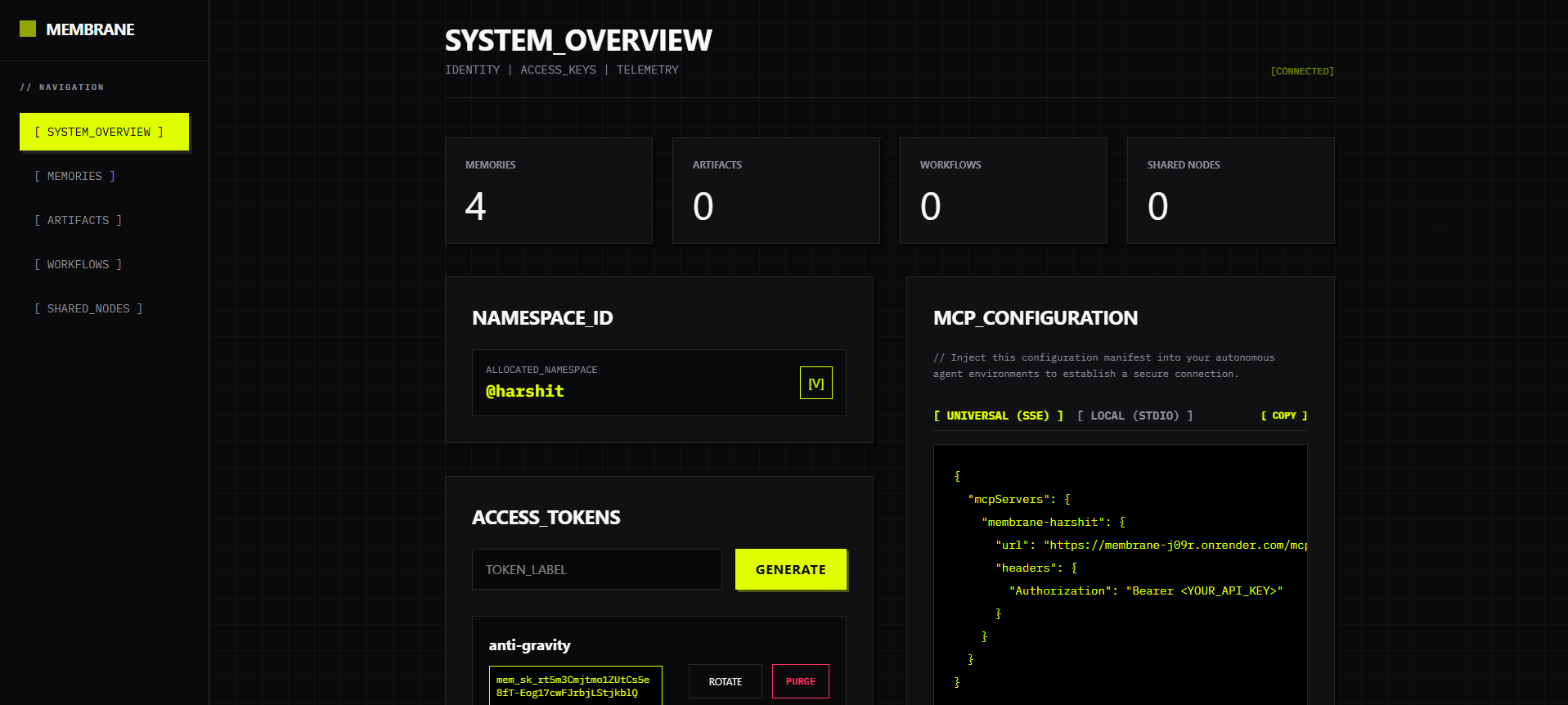 |
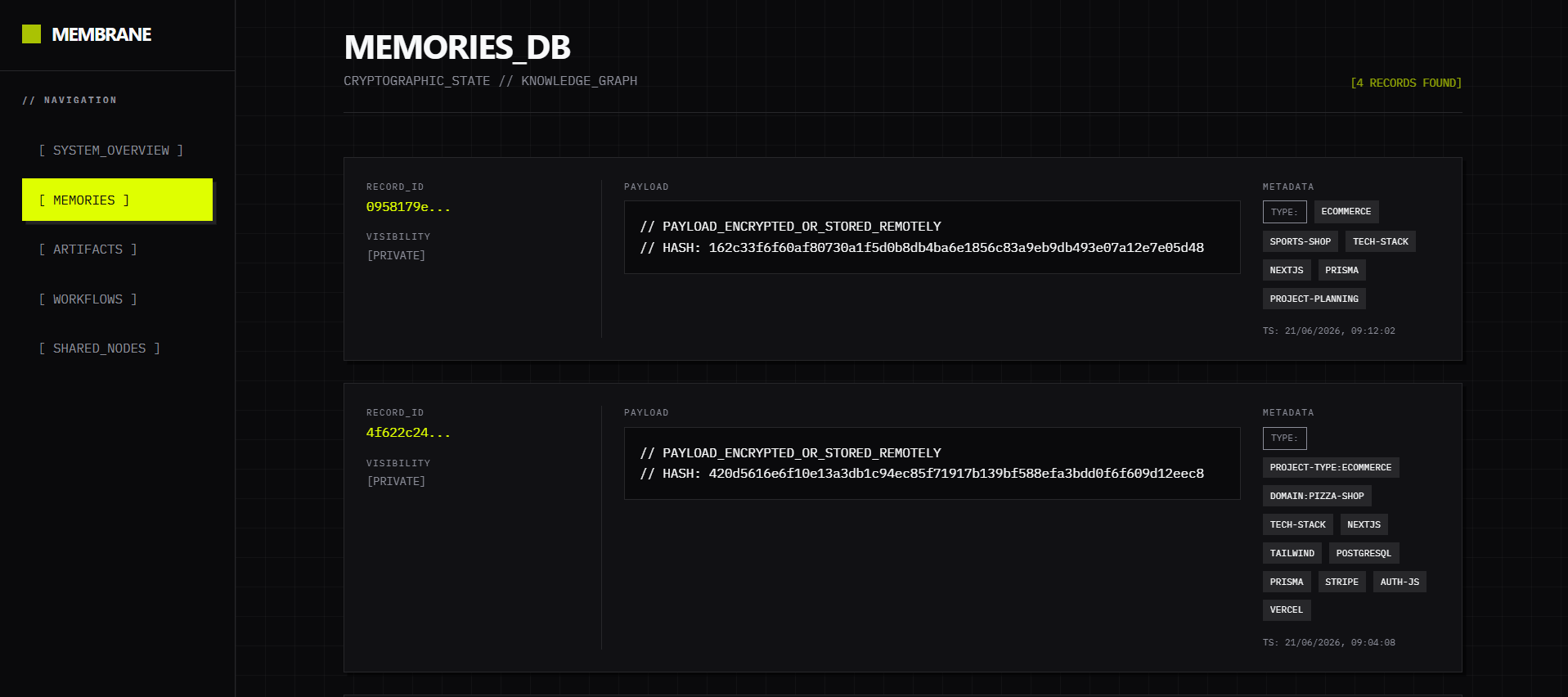 |
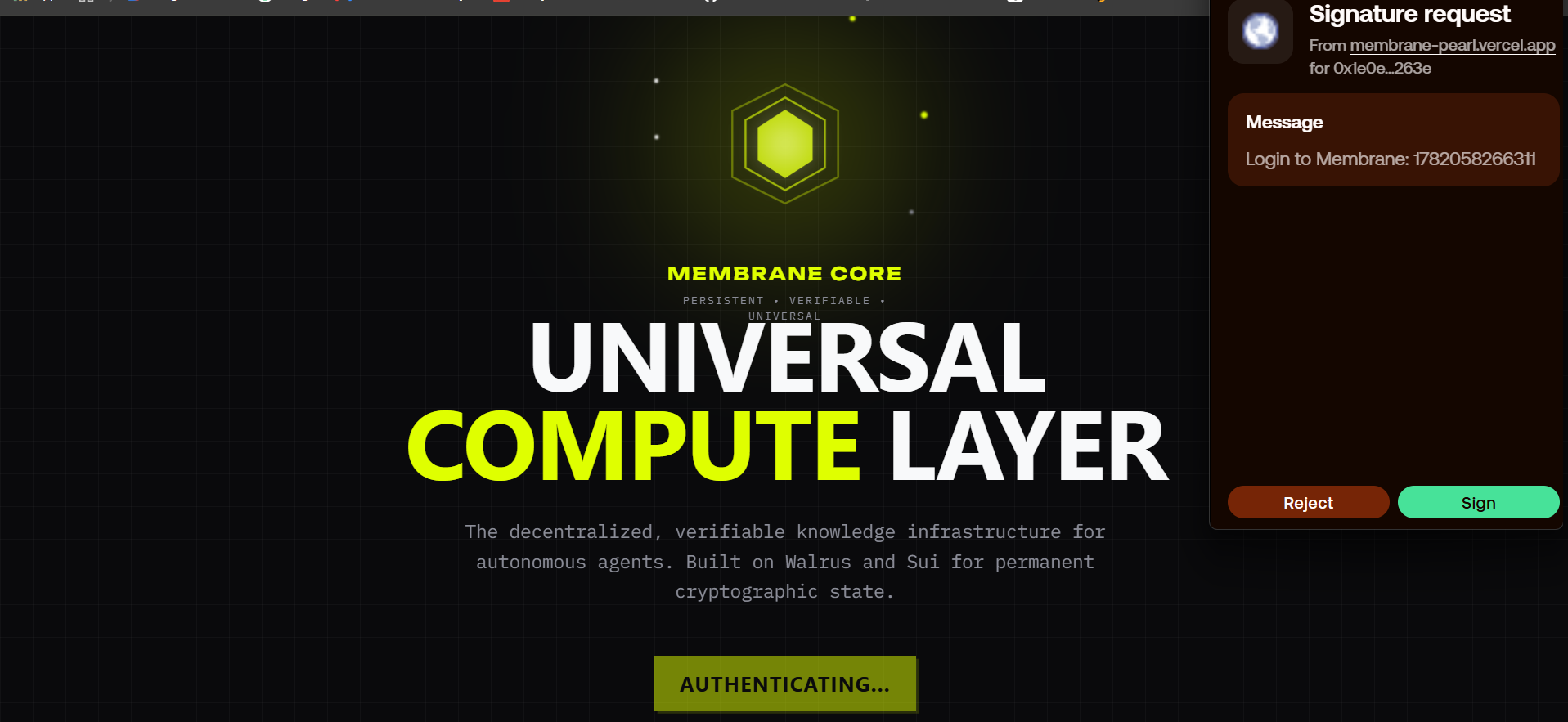 |
🏗️ Architecture
┌────────────────────────────────────────────────────────────┐
│                       Membrane Platform                    │
├────────────────────────────────────────────────────────────┤
│  ┌─────────────────┐    ┌─────────────────┐                │
│  │   Frontend      │    │   Multi-tenant  │                │
│  │   Dashboard     │    │   MCP Server    │                │
│  │                 │    │                 │                │
│  └─────────────────┘    └─────────────────┘                │
│           │                        │                       │
│           └─────────────────────── ┼───────────────────────┘
│                                    │
│  ┌─────────────────────────────────┼────────────────────────┐
│  │           SUI Blockchain        │                        │
│  │  • Cryptographic Proofs         │                        │
│  │  • Tamper Detection             │                        │
│  │  • Memory Provenance            │                        │
│  └─────────────────────────────────┼────────────────────────┘
│                                    │
│  ┌─────────────────────────────────┼────────────────────────┐
│  │         Walrus Protocol         │                        │
│  │  • Decentralized Storage        │                        │
│  │  • Memory Payloads & Artifacts  │                        │
│  │  • Blob Management              │                        │
│  └─────────────────────────────────┼────────────────────────┘
└─────────────────────────────────────────────────────────────┘
🔗 On-Chain Integration & Verifiability
Membrane leverages the Sui blockchain to create an immutable, verifiable record of agent memory.
What exactly gets anchored on Sui?
- Memory Hash: A cryptographic hash of the memory payload ensuring data integrity.
- Metadata: Contextual information about the memory (e.g., source, tags, agent ID).
- Walrus Blob ID: The decentralized storage identifier pointing to the actual memory payload stored on Walrus.
- Timestamp: An immutable record of when the memory was created or modified.
Why does this matter? Anchoring this data on-chain guarantees Memory Provenance and Tamper Detection. AI agents and human users can mathematically verify that a piece of information existed at a specific time and has not been secretly altered. This is crucial for high-stakes agentic workflows where trust, auditability, and shared context are required.
📦 Project Structure
membrane/
├── src/membrane/                  # 🚀 Multi-tenant MCP API Server
│   ├── api/                       # REST endpoints
│   ├── server.py                  # FastMCP implementation
│   ├── memory_manager.py          # Memory coordination
│   └── retrieval.py               # Hybrid search engine
│
├── frontend/                      # 🎨 Agent Control Dashboard
│   ├── app/                       # Next.js application
│   ├── lib/                       # API clients & configuration
│   └── public/                    # Static assets
│
└── tests/                         # 🔧 Integration & Unit Tests
    ├── test_api.py                # API test suite
    └── test_connect.py            # Walrus/Sui connection tests
🚀 Quick Start
Prerequisites
- Python 3.11+
- Node.js 18+
- npm 8+
- SUI Wallet with testnet tokens
1. Frontend Dashboard (Control Center)
# Navigate to frontend
cd frontend

# Install dependencies
npm install

# Start development server
npm run dev

# Open http://localhost:3000
2. Multi-tenant MCP Server
# Navigate to project root
cd membrane

# Set up virtual environment
python -m venv .venv
source .venv/Scripts/activate # Windows
# source .venv/bin/activate # Mac/Linux

# Install backend dependencies
pip install -e .

# Start ASGI application
uvicorn membrane.app:create_asgi_app --factory --reload --port 8000

# Server available at http://localhost:8000
🔧 Environment Setup
API Server (.env)
# Database
DATABASE_URL="postgresql://user:pass@localhost:5432/membrane"

# Security
ENCRYPTION_KEY="your-secure-32-byte-key"

# Walrus Storage (REQUIRED)
WALRUS_PUBLISHER_URL="https://walrus-testnet-publisher.natsai.xyz"
WALRUS_AGGREGATOR_URL="https://walrus-testnet-aggregator.natsai.xyz"

# SUI Configuration (REQUIRED)
SUI_RPC_URL="https://fullnode.testnet.sui.io:443"
SUI_WALLET_ADDRESS="your-sui-wallet-address"
SUI_PRIVATE_KEY="your-sui-private-key"
Frontend (.env.local)
NEXT_PUBLIC_API_URL=http://localhost:8000/api
🚀 Deployment
Quick Deploy Options
Frontend Dashboard
- Vercel (Recommended):
cd frontend && vercel - Netlify:
cd frontend && npx netlify deploy --prod
Enterprise API Server
- Render: Connect repository and deploy as ASGI web service
- Docker:
docker build -t membrane-api . - Railway:
railway up
🎯 Features
Frontend Dashboard
- ✅ Identity Provisioning - Claim Membrane IDs
- ✅ API Key Management - Generate and rotate keys
- ✅ Telemetry - Real-time metrics and system overview
- ✅ SUI Integration - Dapp kit wallet connection
- ✅ Configuration Export - Instant MCP manifest generation
MCP Server / API
- ✅ 14 MCP Tools - Complete memory orchestration
- ✅ Hybrid Search - Metadata + Semantic retrieval (FastEmbed)
- ✅ Multi-Tenant - Isolated namespaces and keys
- ✅ REST API - System orchestration and metrics
- ✅ Artifact Storage - Image, PDF, and text blobs
Backend Services
- ✅ FastMCP Integration - Standardized context protocol
- ✅ PostgreSQL Indexing - Ultra-fast metadata lookups
- ✅ Walrus Blob Storage - Unlimited payload size
- ✅ SUI Verification - Immutable state proofs
🔒 Security Features
- 100% Real Blockchain - Immutable state records and transaction references
- API Key Authentication - Secure access to namespaces
- Cryptographic Verification - SHA256 + HMAC validation
- AES-CBC Encryption - Secure sensitive memory payloads
- PostgreSQL Isolation - Multi-tenant RLS and namespace boundaries
📚 Documentation
- API Docs: Available at
http://localhost:8000/docswhen server is running. - MCP Protocol: Refer to the Model Context Protocol official specification.
🧪 Testing
Backend Integration
# Run the test suite
pytest tests/
Frontend
cd frontend
npm run lint
npm run build
🎯 Use Cases
AI Agents & Assistants
- Long-Term Memory - Agents that remember past conversations
- Shared Context - Multiple agents collaborating on the same project
- Verifiable Truth - Audit trails for agent decision making
Enterprise Applications
- Knowledge Graphs - Semantic relationship tracking
- Agent Orchestration - Managing state across distributed workers
- Compliance - Immutable records of automated actions
📊 Performance
- Speed: Sub-100ms semantic search execution
- Efficiency: CPU-optimized (no GPU required)
- Verification: On-chain Walrus blobs via SUI
🤝 Contributing
- Fork the repository
- Create a feature branch (
git checkout -b feature/amazing-feature) - Commit your changes (
git commit -m 'Add amazing feature') - Push to the branch (
git push origin feature/amazing-feature) - Open a Pull Request
📞 Support
- Issues: Use GitHub Issues for bug reports
- Discussions: Use GitHub Discussions for questions
🚀 Status
Membrane is ready for deployment with active SUI blockchain integration and Walrus storage.
Built with ❤️ by the Membrane Team
Install Membrane in Claude Desktop, Claude Code & Cursor
unyly install membraneInstalls into Claude Desktop, Claude Code, Cursor & VS Code — handles npx, uvx and build-from-source repos for you.
First time? Get the CLI: curl -fsSL https://unyly.org/install | sh
Or configure manually
Run in your terminal:
claude mcp add membrane -- uvx membraneFAQ
Is Membrane MCP free?
Yes, Membrane MCP is free — one-click install via Unyly at no cost.
Does Membrane need an API key?
No, Membrane runs without API keys or environment variables.
Is Membrane hosted or self-hosted?
A hosted option is available: Unyly runs the server in the cloud, no local setup required.
How do I install Membrane in Claude Desktop, Claude Code or Cursor?
Open Membrane on unyly.org, pick your client tab (Claude Desktop, Claude Code, Cursor) and press Install — the config is generated automatically, no JSON editing.
Related MCPs
Fetch
Web content fetching and conversion for efficient LLM usage.
AWS KB Retrieval
Retrieval from AWS Knowledge Base using Bedrock Agent Runtime.
 by modelcontextprotocol
Spring AI MCP Server
Provides auto-configuration for setting up an MCP server in Spring Boot applications.
llm-analysis-assistant
A very streamlined mcp client that supports calling and monitoring stdio/sse/streamableHttp, and can also view request responses through the /logs page. It also
 by xuzexin-hz
Compare Membrane with
Not sure what to pick?
Find your stack in 60 seconds
Author?
Embed badge for your README
Browse similar
All ai MCPs