
Meta Threads
FreeNot checkedUnofficial MCP server for Meta's Threads API. Enables LLMs like Claude to publish posts, manage replies, and track insights through the Model Context Protocol.

About
Unofficial MCP server for Meta's Threads API. Enables LLMs like Claude to publish posts, manage replies, and track insights through the Model Context Protocol.
README
Unofficial MCP server for Meta's Threads API. Enables LLMs like Claude to publish posts, manage replies, and track insights through the Model Context Protocol.
PyPI version Python 3.12+ License: MIT
Features
- Full Threads API coverage via MCP tools
- Create text, image, and video posts
- Reply management (reply, hide/unhide, get conversation)
- Post and user insights/metrics
- Publishing quota tracking
- Built on meta-threads-sdk and FastMCP
Installation
pip install meta-threads-mcp
Or with uv:
uv add meta-threads-mcp
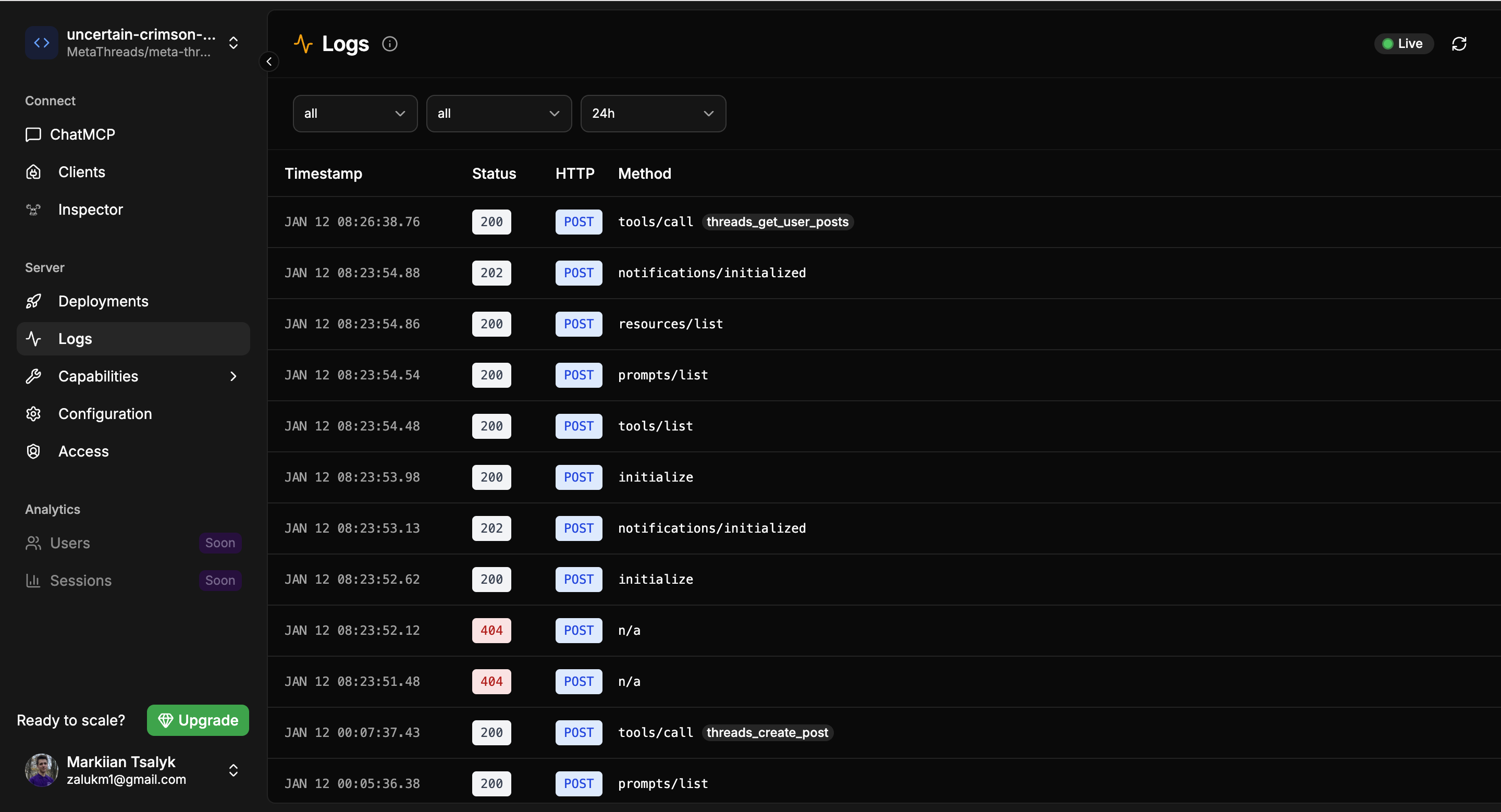
Running on FastMCP Cloud
The easiest way to run this MCP server is to deploy it on FastMCP Cloud:
- Go to fastmcp.cloud and sign in
- Connect your GitHub repository
- FastMCP Cloud will automatically detect the
fastmcp.jsonconfiguration and deploy your server
Configuration
Claude Desktop
Add to your claude_desktop_config.json:
{
  "mcpServers": {
    "threads": {
      "command": "meta-threads-mcp"
    }
  }
}
Authentication
The server expects a bearer token in the format:
<access_token>:<user_id>
The client passes this token via the request context when calling tools.
Available Tools
Posts
| Tool | Description | Parameters |
|---|---|---|
threads_create_post |
Create and publish a text post | text (required), reply_control (optional) |
threads_create_image_post |
Create post with image | image_url (required), text (optional) |
threads_create_video_post |
Create post with video | video_url (required), text (optional) |
threads_get_post |
Get a post by ID | post_id (required) |
threads_get_user_posts |
Get user's recent posts | limit (optional, default 10) |
threads_delete_post |
Delete a post | post_id (required) |
threads_get_publishing_limit |
Check remaining quota | none |
Replies
| Tool | Description | Parameters |
|---|---|---|
threads_reply_to_post |
Reply to a post | post_id (required), text (required) |
threads_get_replies |
Get replies to a post | post_id (required) |
threads_get_conversation |
Get full conversation thread | post_id (required) |
threads_hide_reply |
Hide a reply | reply_id (required) |
threads_unhide_reply |
Unhide a reply | reply_id (required) |
Insights
| Tool | Description | Parameters |
|---|---|---|
threads_get_media_insights |
Get metrics for a post | media_id (required) |
threads_get_user_insights |
Get user-level metrics | none |
User
| Tool | Description | Parameters |
|---|---|---|
threads_get_profile |
Get current user's profile | none |
Reply Control Options
When creating posts, you can control who can reply:
EVERYONE(default) - Anyone can replyACCOUNTS_YOU_FOLLOW- Only accounts you follow can replyMENTIONED_ONLY- Only mentioned accounts can reply
Rate Limits
- 250 posts per 24 hours
- 1000 replies per 24 hours
Use threads_get_publishing_limit to check your current quota.
Development
Setup
git clone https://github.com/MetaThreads/meta-threads-mcp.git
cd meta-threads-mcp
uv sync --dev
Running Tests
uv run pytest
Linting & Type Checking
uv run ruff check src tests
uv run ruff format src tests
uv run mypy src
Testing with FastMCP CLI
fastmcp dev src/meta_threads_mcp/server.py
License
MIT License - see LICENSE for details.
Related Projects
- meta-threads-sdk - Python SDK for Meta's Threads API
- FastMCP - Simple MCP server framework
Installing Meta Threads
This server has no published package — it is built from source. Open the repository and follow its README.
▸ github.com/MetaThreads/meta-threads-mcpFAQ
Is Meta Threads MCP free?
Yes, Meta Threads MCP is free — one-click install via Unyly at no cost.
Does Meta Threads need an API key?
No, Meta Threads runs without API keys or environment variables.
Is Meta Threads hosted or self-hosted?
A hosted option is available: Unyly runs the server in the cloud, no local setup required.
How do I install Meta Threads in Claude Desktop, Claude Code or Cursor?
Open Meta Threads on unyly.org, pick your client tab (Claude Desktop, Claude Code, Cursor) and press Install — the config is generated automatically, no JSON editing.
Related MCPs
Fetch
Web content fetching and conversion for efficient LLM usage.
AWS KB Retrieval
Retrieval from AWS Knowledge Base using Bedrock Agent Runtime.
 by modelcontextprotocol
Spring AI MCP Server
Provides auto-configuration for setting up an MCP server in Spring Boot applications.
llm-analysis-assistant
A very streamlined mcp client that supports calling and monitoring stdio/sse/streamableHttp, and can also view request responses through the /logs page. It also
 by xuzexin-hz
Compare Meta Threads with
Not sure what to pick?
Find your stack in 60 seconds
Author?
Embed badge for your README
Browse similar
All ai MCPs