

About
🔧 Build Intelligent Networks with AI
README
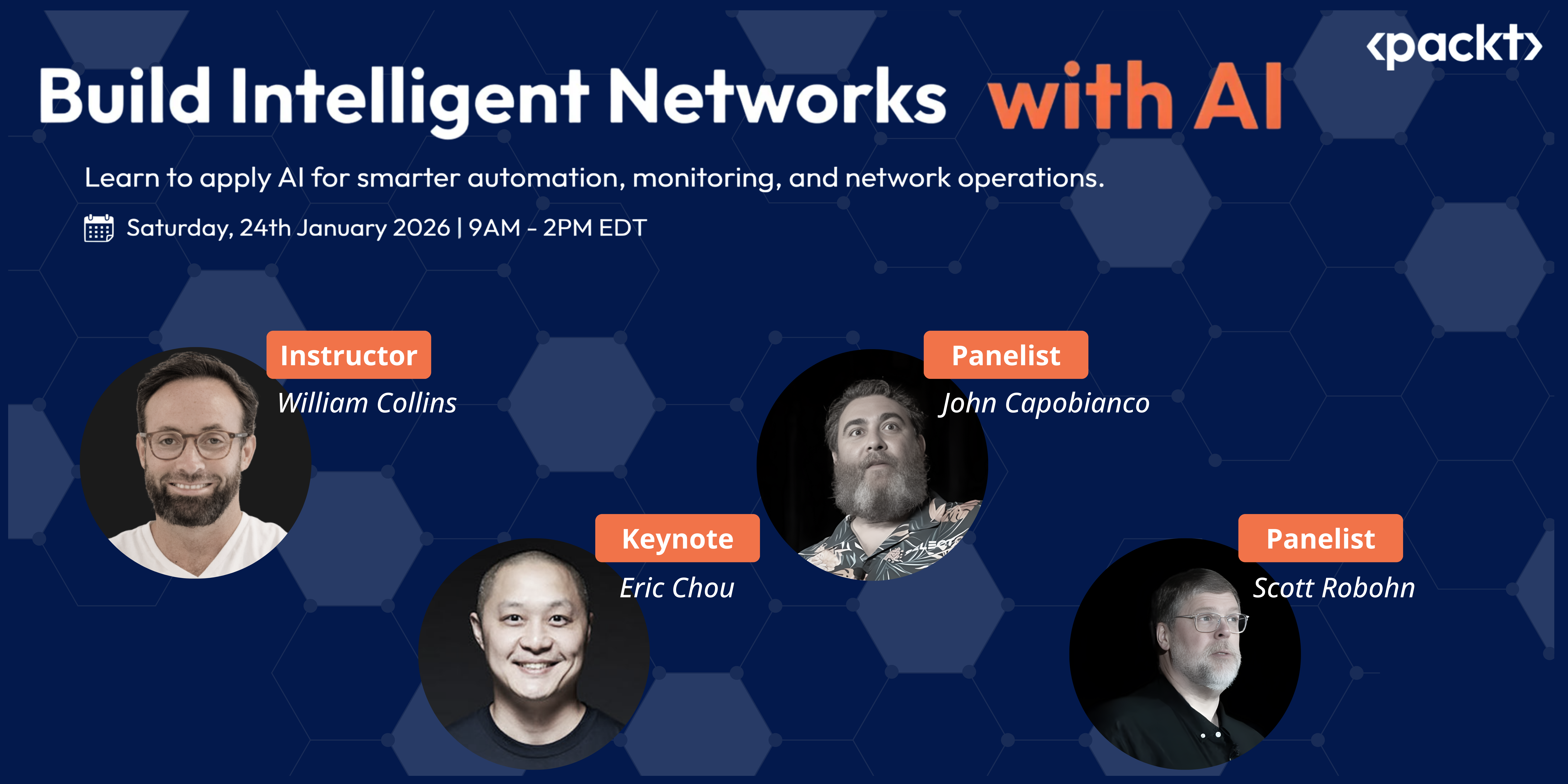
A hands-on workshop teaching network engineers how to leverage AI and LLMs for practical network automation, monitoring, and operations.
Duration: 5.5 hours | Format: Online, hands-on | Date: January 24, 2026
Instructor: William Collins
What You'll Learn
By the end of this workshop, you will be able to:
- Understand LLM fundamentals using network engineering concepts
- Use Claude Code to accelerate Ansible playbook development
- Build MCP servers that invoke Ansible playbooks via natural language
- Deploy AI-powered monitoring with Prometheus alerting tools
- Create agentic AI workflows for autonomous network operations
Key Concept: Each lab builds on the previous one:
- Lab 1: Create Ansible playbooks with Claude Code
- Lab 2: Add MCP tools that invoke those playbooks ("Add VLAN 15 to leaf2")
- Lab 3: Extend MCP with Prometheus alerting tools
Building something cool? Check out the Community Showcase to see what others are doing or share your own work.
Technology Stack
All tools are free and open-source:
| Category | Tools |
|---|---|
| Network Lab | Containerlab, Arista cEOS-lab |
| Automation | Ansible, Python 3.10+ |
| AI/LLM | Claude Code, Model Context Protocol (MCP), OpenAI/Anthropic/Ollama |
| Monitoring | Prometheus, Grafana |
| Development | VS Code, Docker, Git |
Total cost: $0-20 (all tools free; optional API credits)
Installing Packt Netops Ai Workshop
This server has no published package — it is built from source. Open the repository and follow its README.
▸ github.com/wcollins/packt-netops-ai-workshopFAQ
Is Packt Netops Ai Workshop MCP free?
Yes, Packt Netops Ai Workshop MCP is free — one-click install via Unyly at no cost.
Does Packt Netops Ai Workshop need an API key?
No, Packt Netops Ai Workshop runs without API keys or environment variables.
Is Packt Netops Ai Workshop hosted or self-hosted?
Self-hosted: the server runs locally on your machine via the install command above.
How do I install Packt Netops Ai Workshop in Claude Desktop, Claude Code or Cursor?
Open Packt Netops Ai Workshop on unyly.org, pick your client tab (Claude Desktop, Claude Code, Cursor) and press Install — the config is generated automatically, no JSON editing.
Related MCPs
Fetch
Web content fetching and conversion for efficient LLM usage.
AWS KB Retrieval
Retrieval from AWS Knowledge Base using Bedrock Agent Runtime.
 by modelcontextprotocol
Spring AI MCP Server
Provides auto-configuration for setting up an MCP server in Spring Boot applications.
llm-analysis-assistant
A very streamlined mcp client that supports calling and monitoring stdio/sse/streamableHttp, and can also view request responses through the /logs page. It also
 by xuzexin-hz
Compare Packt Netops Ai Workshop with
Not sure what to pick?
Find your stack in 60 seconds
Author?
Embed badge for your README
Browse similar
All ai MCPs