
SCAPO
FreeNot checked🧘 Reddit-powered AI optimization tips | Save your time and credits | can cover 380+ services | Real tips from real users

About
🧘 Reddit-powered AI optimization tips | Save your time and credits | can cover 380+ services | Real tips from real users
README

The Community-Driven Knowledge Base for AI Service Optimization
Python 3.12+
License: MIT
Made with Love
No API Keys
LLM Powered
Browser Magic
MCP Ready
PRs Welcome
Code style: black
GitHub Pages
🎯 Real usage tips from real users for AI services
If you find SCAPO useful, please consider giving it a star on GitHub!
Your support helps the project grow and reach more people.
[!TIP] Looking for a quick way to browse all tips without installing anything?
▶️ Visit the live website: czero-cc.github.io/SCAPO
🤔 What is SCAPO?
Keywords: AI cost optimization, prompt engineering, LLM tips, OpenAI, Claude, Anthropic, Midjourney, Stable Diffusion, ElevenLabs, GitHub Copilot, reduce AI costs, AI service best practices, Reddit scraper, community knowledge base
Ever burned through credits in minutes? Searching Reddit for one peculiar problem that you were having? Seach results telling you just generic advice when you need specific info?
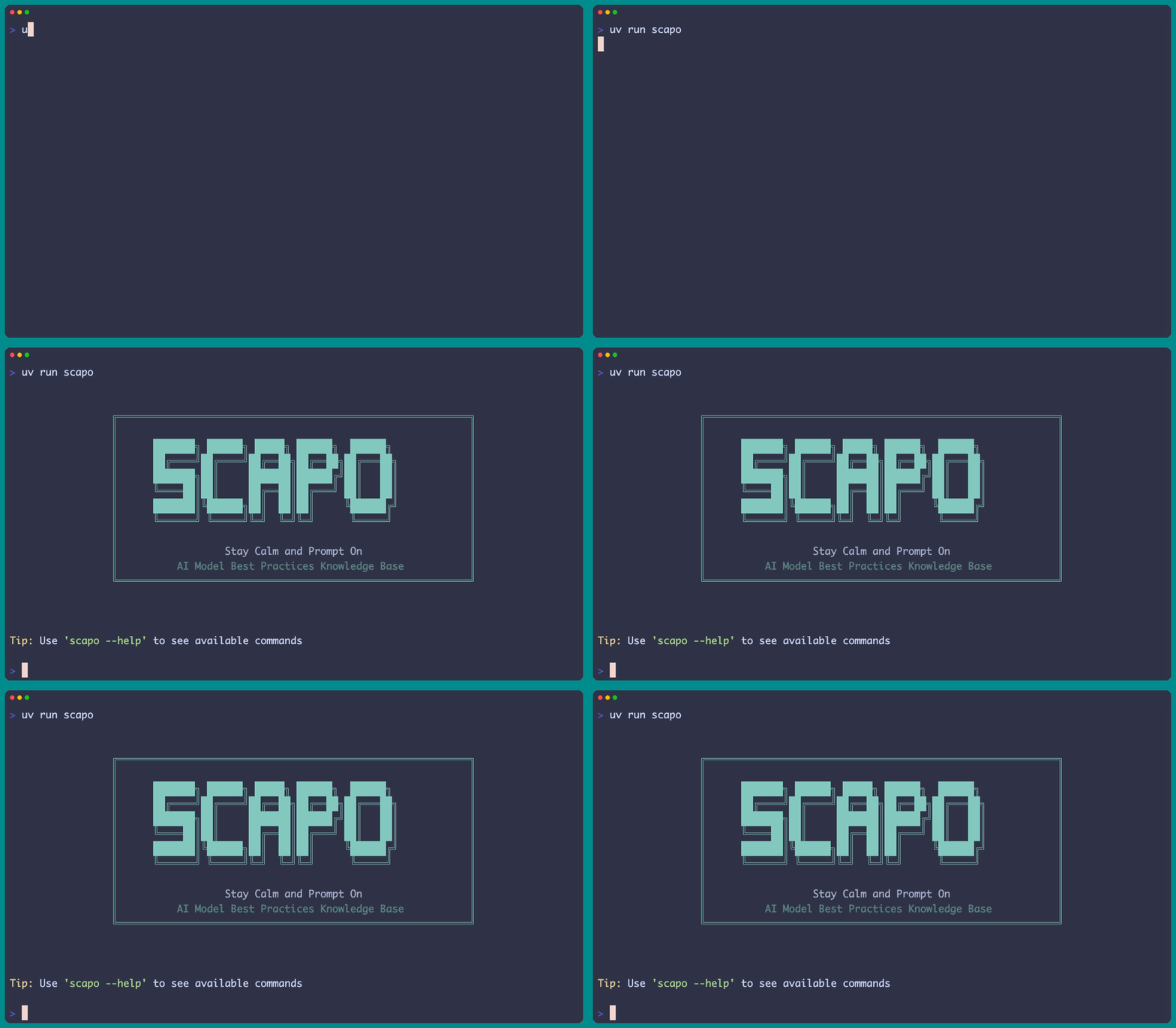
SCAPO extracts specific usage tips and discussion from Reddit about AI services - not generic "write better prompts" advice, but real discussions. So, can be sometimes wrong (i.e., crowd wisdom) but for sure will lift your eyebrows often "huh? ok, didn't know that..."
✨ Two Approaches
SCAPO offers two distinct workflows:
1. 🎯 Batch Processing via Service Discovery (recommended)
Discovers existing AI services and cache them for reference and downstream usage (see below):
scapo scrape discover --update

Extract optimization tips for specific services
scapo scrape targeted --service "Eleven Labs" --limit 20 --query-limit 20

Batch process multiple priority services (Recommended)
scapo scrape batch --category audio --batch-size 3 --limit 20

2. 📚 Legacy Sources Mode
Traditional approach using predefined sources from sources.yaml:
# Scrape from configured sources
scapo scrape run --sources reddit:LocalLLaMA --limit 10

🏃♂️ Quick Start (2 Minutes)
1. Clone & Install
git clone https://github.com/czero-cc/scapo.git
cd scapo
curl -LsSf https://astral.sh/uv/install.sh | sh  # Install uv
uv venv && source .venv/bin/activate  # On Windows: .venv\Scripts\activate / if, you do not want to activate venv, you need to run scapo commands with 'uv run'.
uv pip install -e .
uv run playwright install  # Browser automation
2. Configure Your LLM Provider
Note: Extraction quality depends on your chosen LLM - experiment with different models for best results!
Recommended: OpenRouter (Cloud)
cp .env.example .env
# Edit .env and set:
# LLM_PROVIDER=openrouter
# OPENROUTER_API_KEY=your_api_key_here
# OPENROUTER_MODEL=your_preferred_model_name
Get your API key from openrouter.ai
- you can also use local LLMs (Ollama, LMstudio). Check QUICKSTART.md
Important: Update Model Context Cache (OpenRouter users)
# REQUIRED for optimal performance - fetches accurate token limits
scapo update-context  # Creates cache for faster processing
Without this, SCAPO defaults to 4096 tokens (severely limiting batch efficiency)
3. Start Extracting Optimization Tips
Option A: Service Discovery (Recommended)
# Step 1: Discover AI services (381+ services)
scapo scrape discover --update

# Step 2: Extract optimization tips for services
scapo scrape targeted --service "HeyGen" --limit 20 --query-limit 20
scapo scrape targeted --service "Midjourney" --limit 20 --query-limit 20

# Or batch process multiple services
scapo scrape batch --category video --limit 20 --batch-size 3

# Process ALL priority services one by one (i.e. all services with 'ultra' tag, see targted_search_generator.py)
scapo scrape all --limit 20 --query-limit 20 --priority ultra
Option B: Legacy method: using sources.yaml file
# Use predefined sources from sources.yaml
scapo scrape run --sources reddit:LocalLLaMA --limit 10
4. View Your Extracted Tips

# Interactive TUI explorer
scapo tui

# Or check files directly
cat models/audio/eleven-labs/cost_optimization.md
cat models/video/heygen/pitfalls.md
🎯 What Makes SCAPO Different?
Extracts SPECIFIC Techniques, Not Generic Advice (ofcourse sometimes it fails)
❌ Generic: "Use clear prompts"
✅ Specific: "Set <break time="1.5s" /> tags for pauses in ElevenLabs"
❌ Generic: "Monitor your usage"
✅ Specific: "GitHub Copilot has 300 request/day limit = 4 hours usage"
❌ Generic: "Try different settings"
✅ Specific: "Use 720p instead of 1080p in HeyGen to save 40% credits"
🛠️ How It Works
Service Discovery Pipeline
1. Discover Services → 2. Generate Targeted Searches → 3. Scrape Reddit → 4. Extract Tips
   (GitHub lists)        (settings, bugs, limits)       (JSON API)       (LLM filtering)
Intelligent Extraction
- Specific search patterns: "config settings", "API key", "rate limit daily", "parameters"
- Aggressive filtering: Ignores generic advice like "be patient"
- Batch processing: Can process 50+ posts at once for efficiency (we recommend minimum of 15 posts per query)
- Context awareness: Uses full token windows of your chosen LLM when available (for local LLM, you need to set your context window in .env)
Output Organization
models/
├── audio/
│   └── eleven-labs/
│       ├── prompting.md         # Technical tips
│       ├── cost_optimization.md # Resource optimization
│       ├── pitfalls.md         # Bugs and issues
│       └── parameters.json     # Settings that work
├── video/
│   └── heygen/
└── coding/
    └── github-copilot/
🔧 Key Commands
Service Discovery Mode
# Discover new services
scapo scrape discover --update          # Find services
scapo scrape discover --show-all        # List all services

# Target specific services
scapo scrape targeted \
  --service "Eleven Labs" \              # Service name (handles variations, you can put whatever --> if we don't get hit in services.json, then it will be created under 'general' folder)
  --limit 20 \                          # Posts per search (15-20 recommended)
  --query-limit 20                      # Query patterns per service (20 = all)

# Batch process
scapo scrape batch \
  --category audio \                    # Filter by category
  --batch-size 3 \                      # Services per batch
  --limit 20                           # Posts per search


### Legacy Sources Mode
```bash
# List configured sources
scapo sources

# Scrape from sources.yaml
scapo scrape run \
  --sources reddit:LocalLLaMA \
  --limit 10
Browse Results
# CLI commands
scapo models list                       # List all models
scapo models search "copilot"          # Search models
scapo models info github-copilot --category code
⚙️ Configuration
Key Settings (.env)
# LLM Provider
LLM_PROVIDER=openrouter
OPENROUTER_API_KEY=your_key
OPENROUTER_MODEL=your_favorite_model

# Local LLM Context (Important for Ollama/LM Studio!)
LOCAL_LLM_MAX_CONTEXT=8192              # Your model's context size in tokens
LOCAL_LLM_OPTIMAL_CHUNK=2048            # Optimal batch size (typically 1/4 of max)

# Timeout Settings (Critical for local models!)
LOCAL_LLM_TIMEOUT_SECONDS=600           # 10 minutes for slower local models
LLM_TIMEOUT_SECONDS=120                 # 2 minutes for cloud models

# Extraction Quality (depends on your chosen LLM's discretion)
LLM_QUALITY_THRESHOLD=0.6               # Min quality (0.0-1.0)

# Scraping
SCRAPING_DELAY_SECONDS=2                # Be respectful
MAX_POSTS_PER_SCRAPE=100               # Limit per source
Key Parameters Explained
--query-limit (How many search patterns per service)
--query-limit 5   # Quick scan: 1 pattern per category (cost, optimization, technical, workarounds, bugs)
--query-limit 20  # Full scan: All 4 patterns per category (default, most comprehensive)
--batch-size (For batch command: services processed in parallel)
--batch-size 1  # Sequential (slowest, least resource intensive)
--batch-size 3  # Default (good balance)
--batch-size 5  # Faster (more resource intensive)
--limit (Posts per search - More = Better extraction)
--limit 5   # ❌ Often finds nothing (too few samples)
--limit 15  # ✅ Good baseline (finds common issues)
--limit 25  # 🎯 Will find something (as long as there is active discussion on it)
Hand-wavy breakdown: With 5 posts, extraction success ~20%. With 20+ posts, success jumps to ~80%.
🤖 MCP Server (Optional Reader)
Note: The MCP server is a reader that queries your already-extracted tips. You must run SCAPO scrapers first to populate the models/ folder!
// Add to your client's mcp config.json
{
  "mcpServers": {
    "scapo": {
      "command": "npx",
      "args": ["@arahangua/scapo-mcp-server"],
      "env": {
        "SCAPO_MODELS_PATH": "C:\\path\\to\\scapo\\models"  // Your models folder
      }
    }
  }
}
See mcp/README.md for full setup and available commands.
🎨 Interactive TUI
scapo tui
Navigate extracted tips with:
- ↑/↓ - Browse models
- Enter - View content
- Space - Expand/collapse tree nodes
- Tab - Cycle focus between tree and content
- h - Show help
- c - Copy to clipboard
- o - Open file location
- q - Quit
🔄 Git-Friendly Updates tracking AI services in the Models folder
SCAPO is designed for version control (this is only for tracking the models folder):
# Check what changed
uv run scripts/git_update.py --status

# Generate commit message
uv run scripts/git_update.py --message

# Commit changes
uv run scripts/git_update.py --commit
Updates completely replace old content, ensuring:
- No accumulation of outdated tips
- Clean git diffs
- Atomic, consistent updates
🤝 Contributing
Help us build the community knowledge base for AI service optimization!
- Add priority services to
targeted_search_generator.py - Improve search patterns for better extraction
- Share your tips via pull requests
- Report services that need documentation
🔧 Troubleshooting
Low extraction quality
- Increase
--limitto 20+ posts - Check service name variations with
--dry-run
No tips found
- Service might not have enough Reddit discussion
- Try different search patterns
- Check
data/intermediate/for raw results
Rate limits
- Add delay:
SCRAPING_DELAY_SECONDS=3 - Use batch mode with fewer services
- Respect Reddit's limits
📚 Documentation
📜 License
MIT - Because sharing is caring.
Built as part of the CZero Engine project to improve AI application development.
🙏 Acknowledgments
- Reddit communities for sharing real experiences
- OpenRouter for accessible AI APIs
- Coffee ☕ for making this possible
- Ollama and LMstudio for awesome local LLM experience
- Service discovery powered by awesome lists:
- All opensource contributors in this space

Installing SCAPO
This server has no published package — it is built from source. Open the repository and follow its README.
▸ github.com/czero-cc/SCAPOFAQ
Is SCAPO MCP free?
Yes, SCAPO MCP is free — one-click install via Unyly at no cost.
Does SCAPO need an API key?
No, SCAPO runs without API keys or environment variables.
Is SCAPO hosted or self-hosted?
Self-hosted: the server runs locally on your machine via the install command above.
How do I install SCAPO in Claude Desktop, Claude Code or Cursor?
Open SCAPO on unyly.org, pick your client tab (Claude Desktop, Claude Code, Cursor) and press Install — the config is generated automatically, no JSON editing.
Related MCPs
Fetch
Web content fetching and conversion for efficient LLM usage.
AWS KB Retrieval
Retrieval from AWS Knowledge Base using Bedrock Agent Runtime.
 by modelcontextprotocol
Spring AI MCP Server
Provides auto-configuration for setting up an MCP server in Spring Boot applications.
llm-analysis-assistant
A very streamlined mcp client that supports calling and monitoring stdio/sse/streamableHttp, and can also view request responses through the /logs page. It also
 by xuzexin-hz
Compare SCAPO with
Not sure what to pick?
Find your stack in 60 seconds
Author?
Embed badge for your README
Browse similar
All ai MCPs