
Web 101
FreeNot checkedAn interactive web tutorial for learning how to build MCP (Model Context Protocol) servers. This educational website provides step-by-step guidance for implemen

About
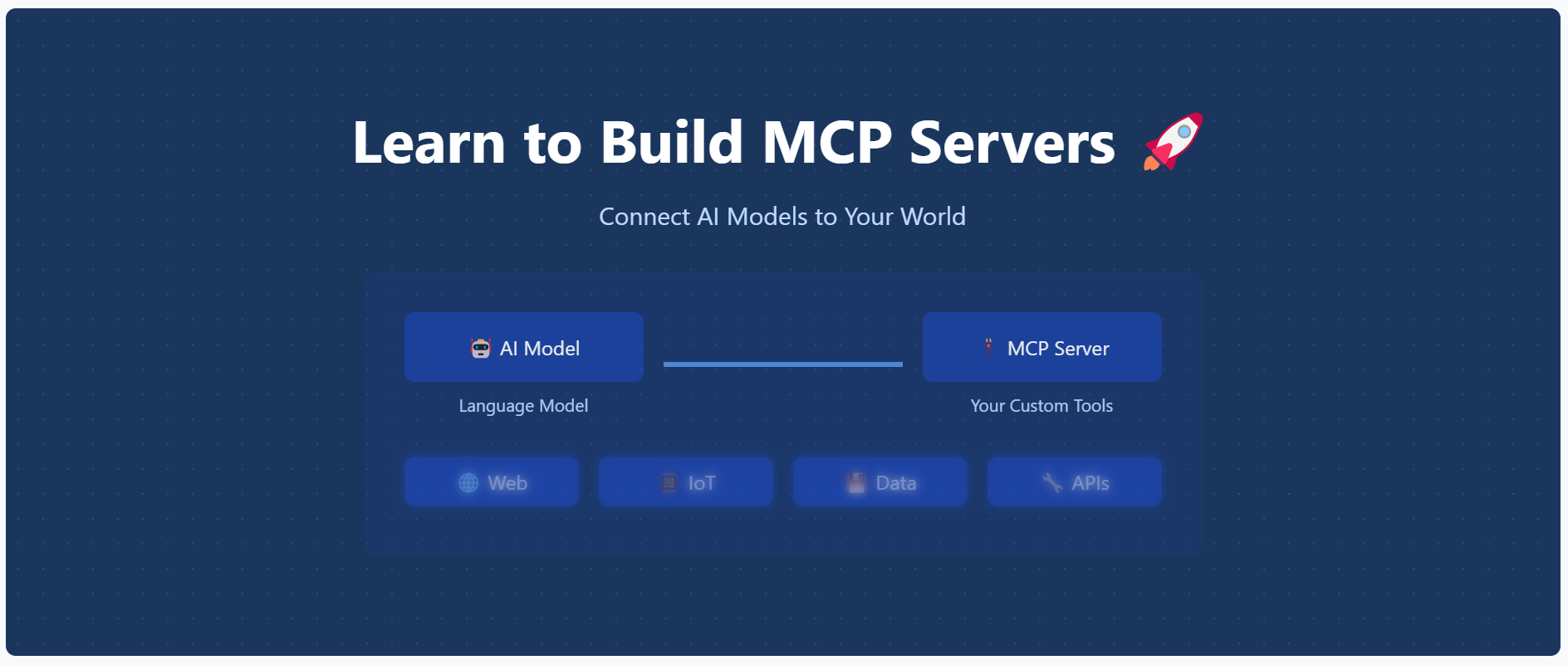
An interactive web tutorial for learning how to build MCP (Model Context Protocol) servers. This educational website provides step-by-step guidance for implementing and understanding MCP servers.
README
An interactive web tutorial for learning how to build MCP (Model Context Protocol) servers. This educational website provides step-by-step guidance for implementing and understanding MCP servers.
Features ✨
- 📱 Modern, responsive design with mobile-first approach
- 📚 Comprehensive tutorial content
- ⚡ Real-time code examples
- 🎨 Syntax highlighting
- 📋 Copy-to-clipboard functionality
- 📊 Progress tracking
- 🔍 Step-by-step installation guide
- 🌐 Interactive UI elements
- 🔄 Live previews
- 🌙 Dark mode support
Getting Started 🚀
Prerequisites 📋
- Node.js (v14 or higher) 💻
- npm or yarn 📦
Installation 🛠️
- Clone the repository:
git clone https://github.com/opestro/mcp-web.git
cd mcp-web
- Install dependencies:
npm install
- Start the server:
node server.js
- Visit
http://localhost:3000in your browser 🌐
Project Structure 📁
mcp-web/
├── views/              # EJS templates
│   ├── layout.ejs      # Main layout template 🏗️
│   ├── index.ejs       # Home page 🏠
│   ├── installation.ejs # Installation guide ⚙️
│   └── tutorial.ejs    # Tutorial content 📚
├── public/             # Static assets 🖼️
│   └── image.png       # Main hero image 🖼️
├── server.js           # Express server 🖥️
└── package.json        # Dependencies 📦
Technologies Used 🛠️
- ⚡ Express.js - Web framework
- 🧩 EJS - Templating engine
- 💅 TailwindCSS - Styling
- ✨ Prism.js - Code syntax highlighting
Contributing 🤝
Contributions are welcome! Please feel free to submit a Pull Request.
- Fork the project 🍴
- Create your feature branch (
git checkout -b feature/amazing-feature) - Commit your changes (
git commit -m 'Add some amazing feature') - Push to the branch (
git push origin feature/amazing-feature) - Open a Pull Request 📬
Author ✍️
Mehdi Harzallah
- 💼 LinkedIn: Mehdi Harzallah
- 🐱 GitHub: @opestro
- 📧 Email: [email protected]
License 📄
This project is licensed under the MIT License - see the LICENSE file for details.
Acknowledgments 🙏
- Thanks to all contributors who helped in building this educational resource ❤️
- Special thanks to the MCP community 🌟
Support 💬
For support, you can:
- 🐞 Open an issue on GitHub
- 💬 Contact via WhatsApp: +213 778191078
- 📧 Send an email to [email protected]
Installing Web 101
This server has no published package — it is built from source. Open the repository and follow its README.
▸ github.com/opestro/mcp-web-101FAQ
Is Web 101 MCP free?
Yes, Web 101 MCP is free — one-click install via Unyly at no cost.
Does Web 101 need an API key?
No, Web 101 runs without API keys or environment variables.
Is Web 101 hosted or self-hosted?
Self-hosted: the server runs locally on your machine via the install command above.
How do I install Web 101 in Claude Desktop, Claude Code or Cursor?
Open Web 101 on unyly.org, pick your client tab (Claude Desktop, Claude Code, Cursor) and press Install — the config is generated automatically, no JSON editing.
Related MCPs
Fetch
Web content fetching and conversion for efficient LLM usage.
AWS KB Retrieval
Retrieval from AWS Knowledge Base using Bedrock Agent Runtime.
 by modelcontextprotocol
Spring AI MCP Server
Provides auto-configuration for setting up an MCP server in Spring Boot applications.
llm-analysis-assistant
A very streamlined mcp client that supports calling and monitoring stdio/sse/streamableHttp, and can also view request responses through the /logs page. It also
 by xuzexin-hz
Compare Web 101 with
Not sure what to pick?
Find your stack in 60 seconds
Author?
Embed badge for your README
Browse similar
All ai MCPs